Repository navigation
Home
- Install Microsoft .NET Framework and Microsoft Visual C++
- Download NEAV1E from the Github Release Tab (setup recommended)
- Install / Extract NotEnoughAV1Encodes
- Start the Program → Click Yes when the program asks to install missing dependencies. (It is recommended to install ffmpeg and aomenc)
The usage of NEAV1E should be pretty similar to HandBrake.
Here is a YouTube Tutorial:
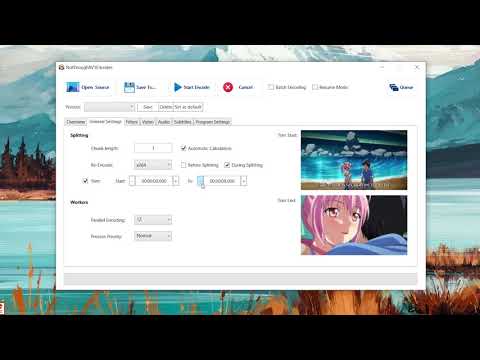
- Open NotEnoughAV1Encodes.exe
- Select your video file / set video output
- Select the chunk length in seconds.
- Edit the encoding settings. (You can save the settings by clicking on "Save Settings". Saving/Loading multiple presets is possible!)
- Click on "Start Encode".
- NEAV1E has a resume feature, which will automatically resume interrupted encodes.
- If you press on cancel, the program will terminate ALL aomenc/rav1e/svt-av1/vp9 and ffmpeg processes. Don't press it if you have other encodes/instances running!
- SVT-AV1 encoding is limited to one instance. This limitation can be overwritten in the program settings.