
Physical design (RTL2GDSII) flow using OpenLANE open source flow
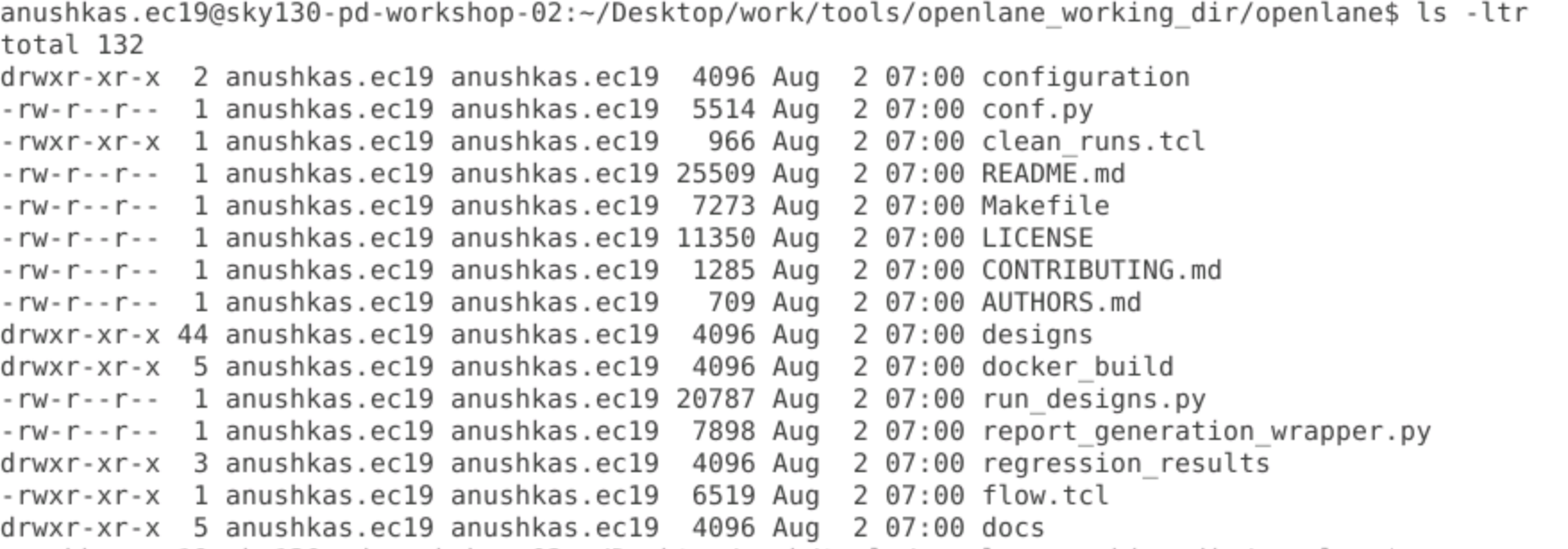
The directory that we use is /openlane_working_dir, which has openlane and pdks subdirectories of which we use openlane.
Once we run the docker command, run the following:
./flow.tcl -interactive
package require openlane 0.9
OpenLANE is now ready to be used and the comman line prompt changes.

The design setup needs to be done in order to help fetch files from a specific location. Run the command
prep -design picorv32a
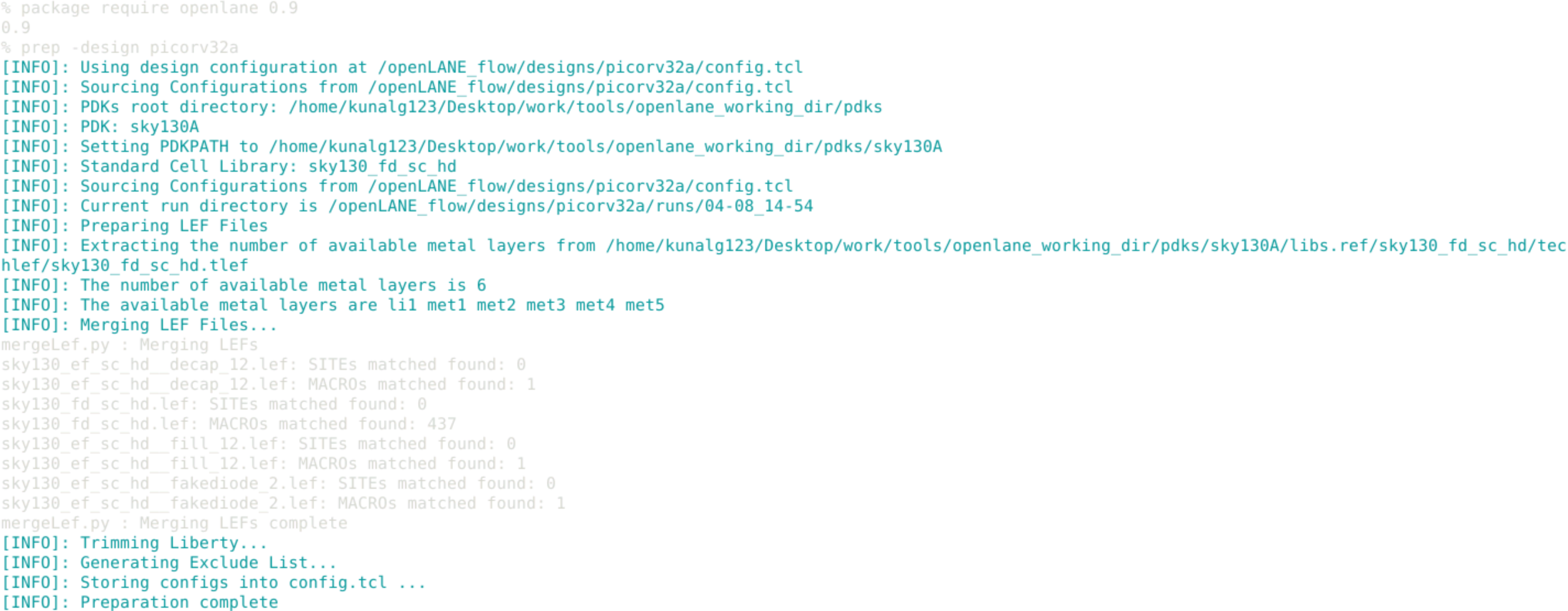
In designs/picorv32a, a runs folder should be created with a date folder, where results, reports, tmp, etc. are stored. (Results, reports, etc. will be empty pre-synthesis.)
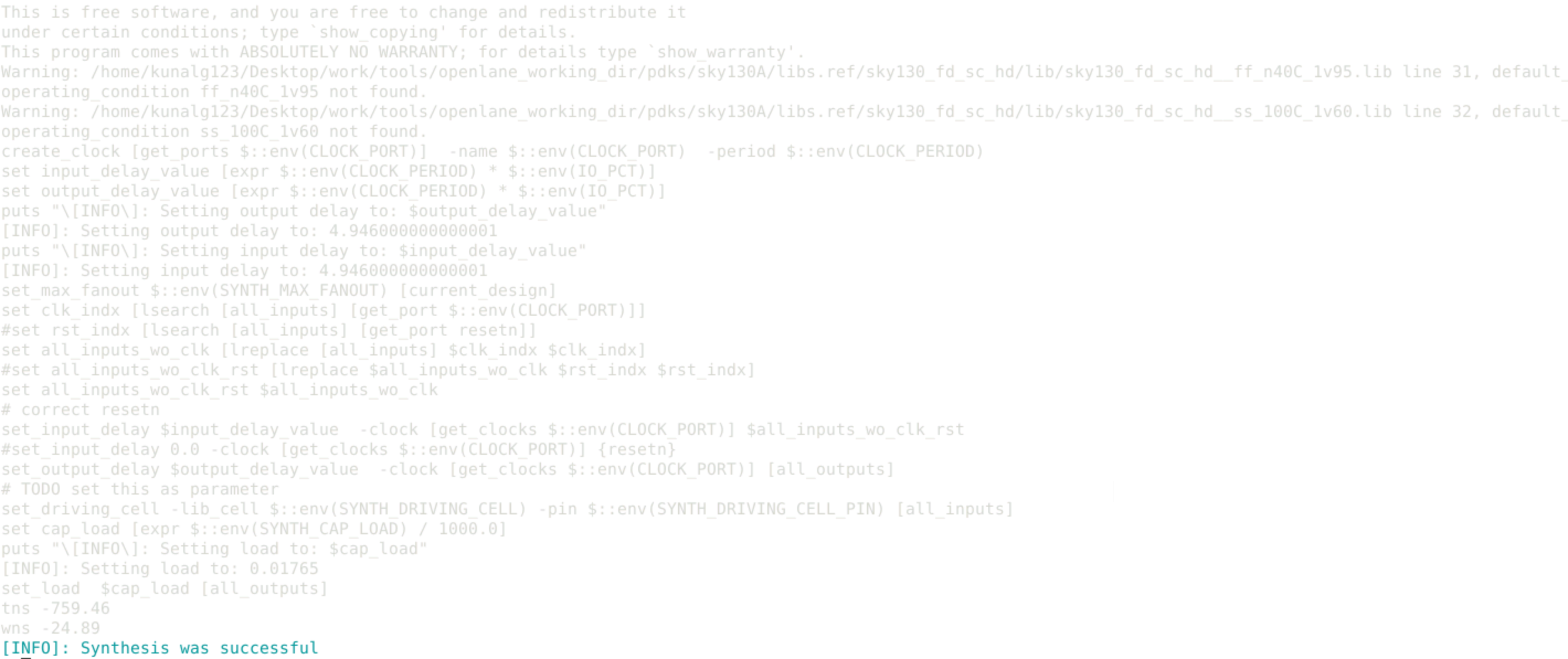
run_synthesis
The command runs synthesis using yosys and technology mapping using abc.
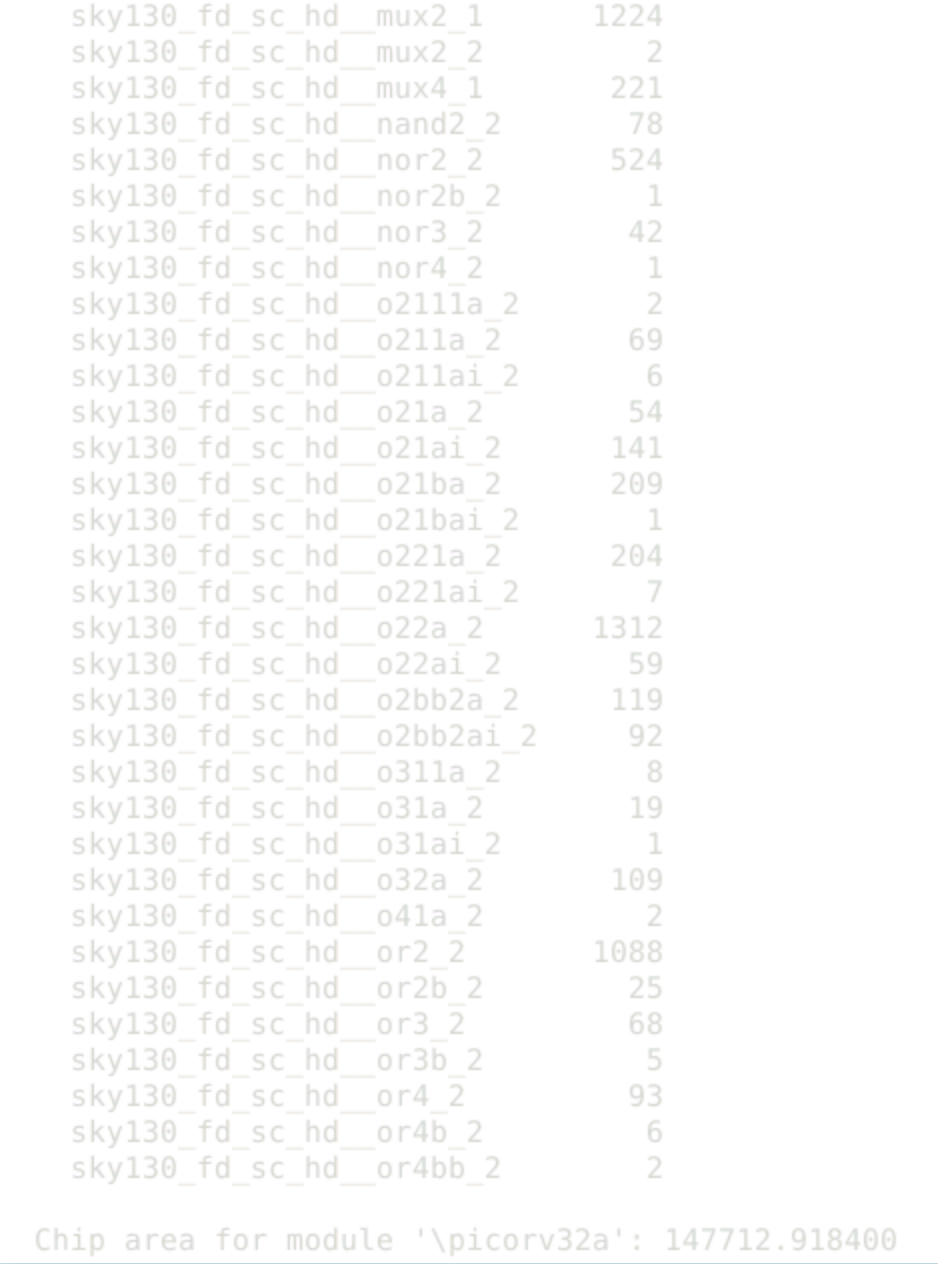
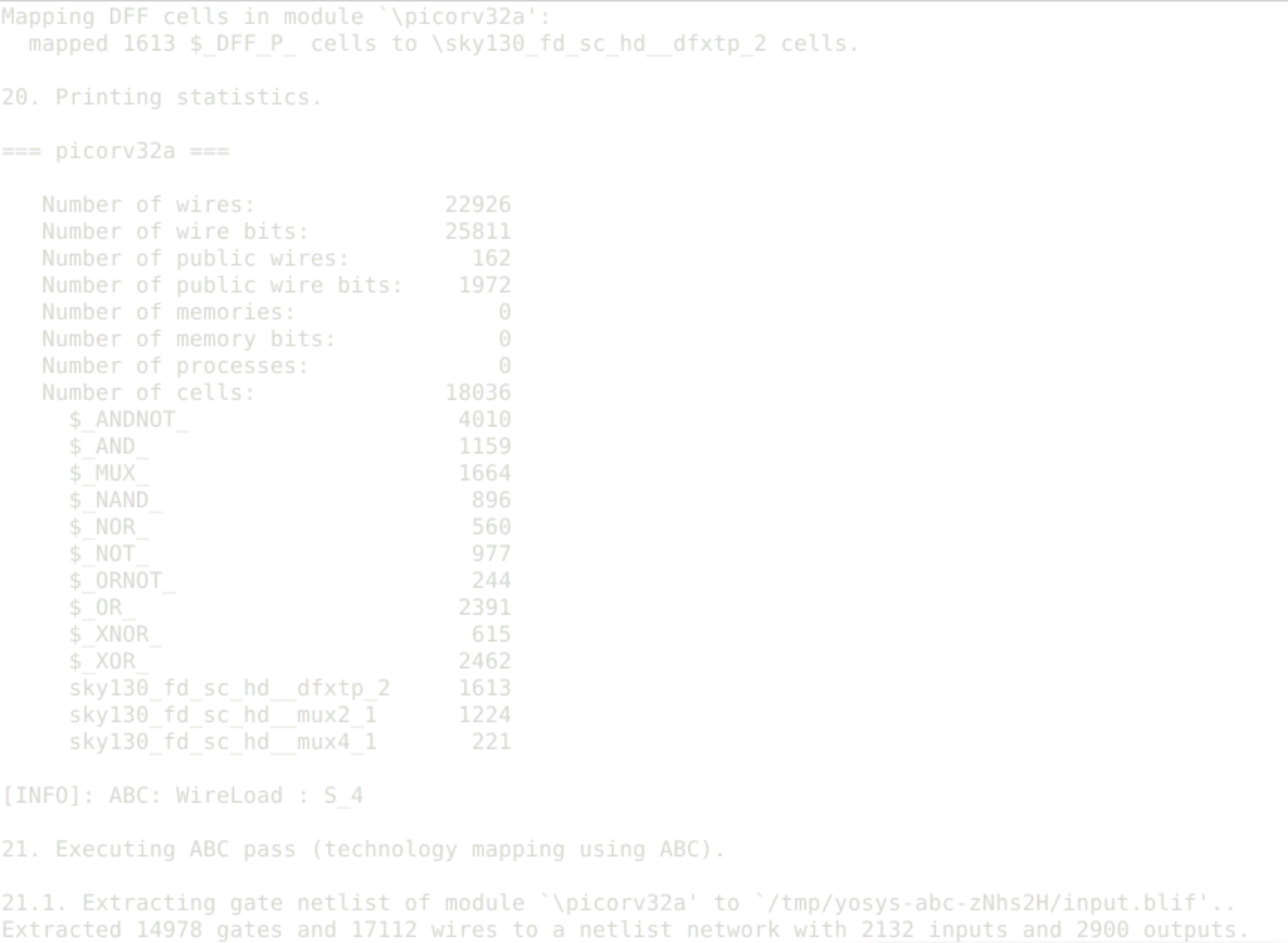
Once synthesis is complete, the chip area, no. of cells, flops, etc. can be seen. The flop ratio for given run is #flops/#cells=1613/18036=8.94%
After synthesis, runs/(date)/results gets populated. /(date)/synthesis gets the synthesised netlist (.v).
less picorv32a.synthesis.v
This can be used to open the netlist. It shows that abc mapping has been done.
In reports/synthesis, less yosys_2_stat.rpt gives the reports of the run. opensta_main.timing.rpt gives the prelayout timing response.
The floorplan stage is done post synthesis. During floorplan, areas of the die and core, aspect ratio of the chip, core utilisation factor are set. The I/O cells and macros are placed and power distribution network is laid. Standard cells are not placed during floorplan, this is done in the placement stage.
OpenLANE switches help us configure the floorplan settings, and the default parameters can be set in openlane/configurations/floorplan.tcl. The default values of each stage of the design flow can be seen in the README file in the configuration subdirectory. In openlane/designs/picorv32a, along with the runs folder, config.tcl and sky130A_sky130_fd_sc_hd_config.tcl (highest priority) files are present, where the floorplan parameters can be changed at a higher level of precedence above the defaults.
To run floorplan, the command is run_floorplan. Once floorplan is successful, "Running tapcell...Done" is displayed in the terminal. Successful floorplan results in a .def file (design exchange format) being created.

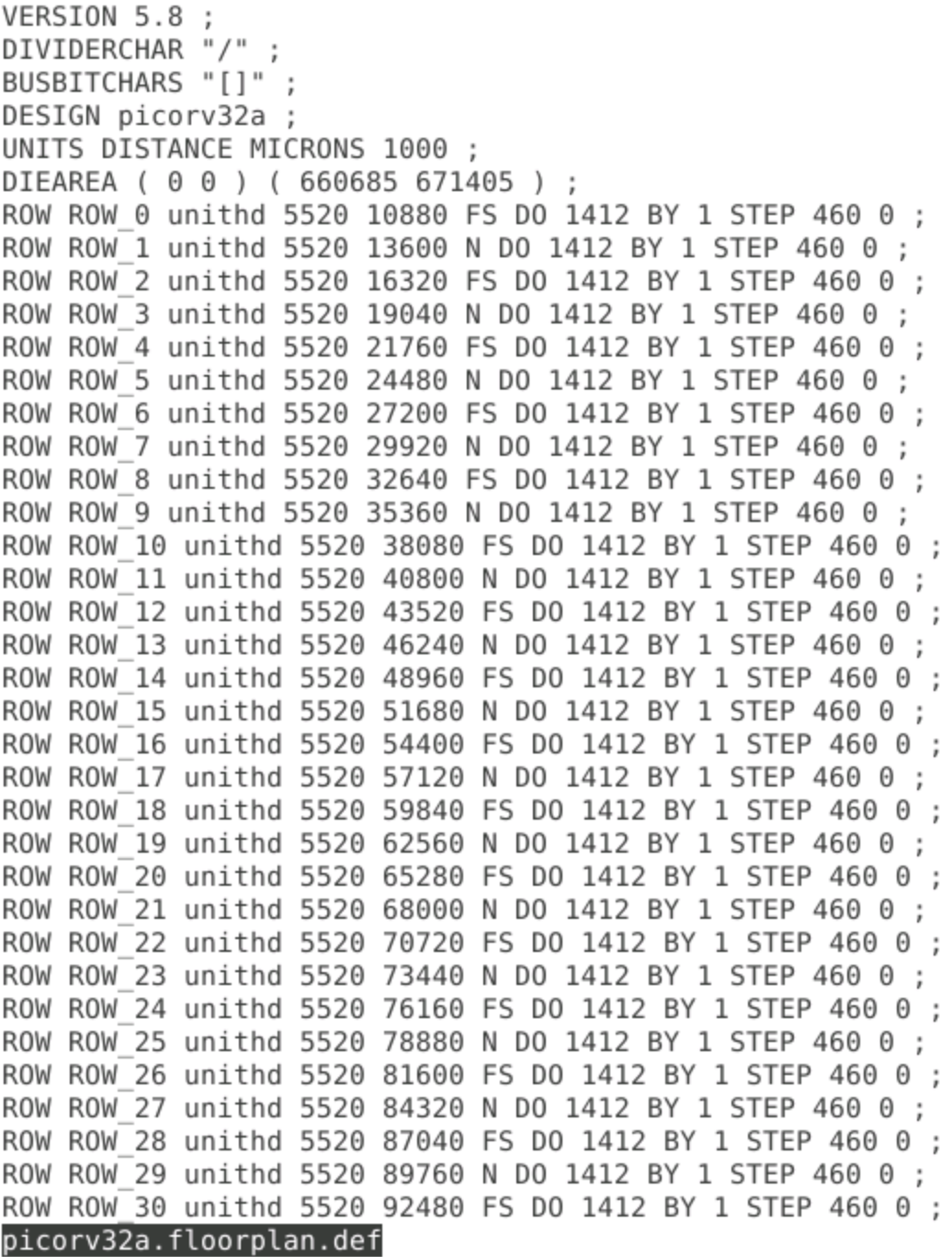
To check the values taken up by the run in the floorplan log, we go to the path picorv32a/runs/(date folder)/logs/floorplan and give the command less ioPlacer.log to view the log file (shift+G to go to end of file and view vertical and horizontal metal layers). The value taken up in the run, which is present in the log file, is given input value+1. It can be verified that the input value given by user in .tcl file overrides system defaults and obeys the order of precedence. The die area can be calculated from the .def file die coordinates.
Run in results/floorplan-
magic -T <path to .tech file: /home/..........pdks/sky130A/libs.tech/magic/sky130A.tech lef read ../../tmp/merged.lef def read picorv32a.floorplan.def &
-T: tech file lef read (merged lef file in date folder two levels above current)- since the tech lef and cell lef files were combined in previous stage & - free command line
Magic opens with the floorplan as shown-
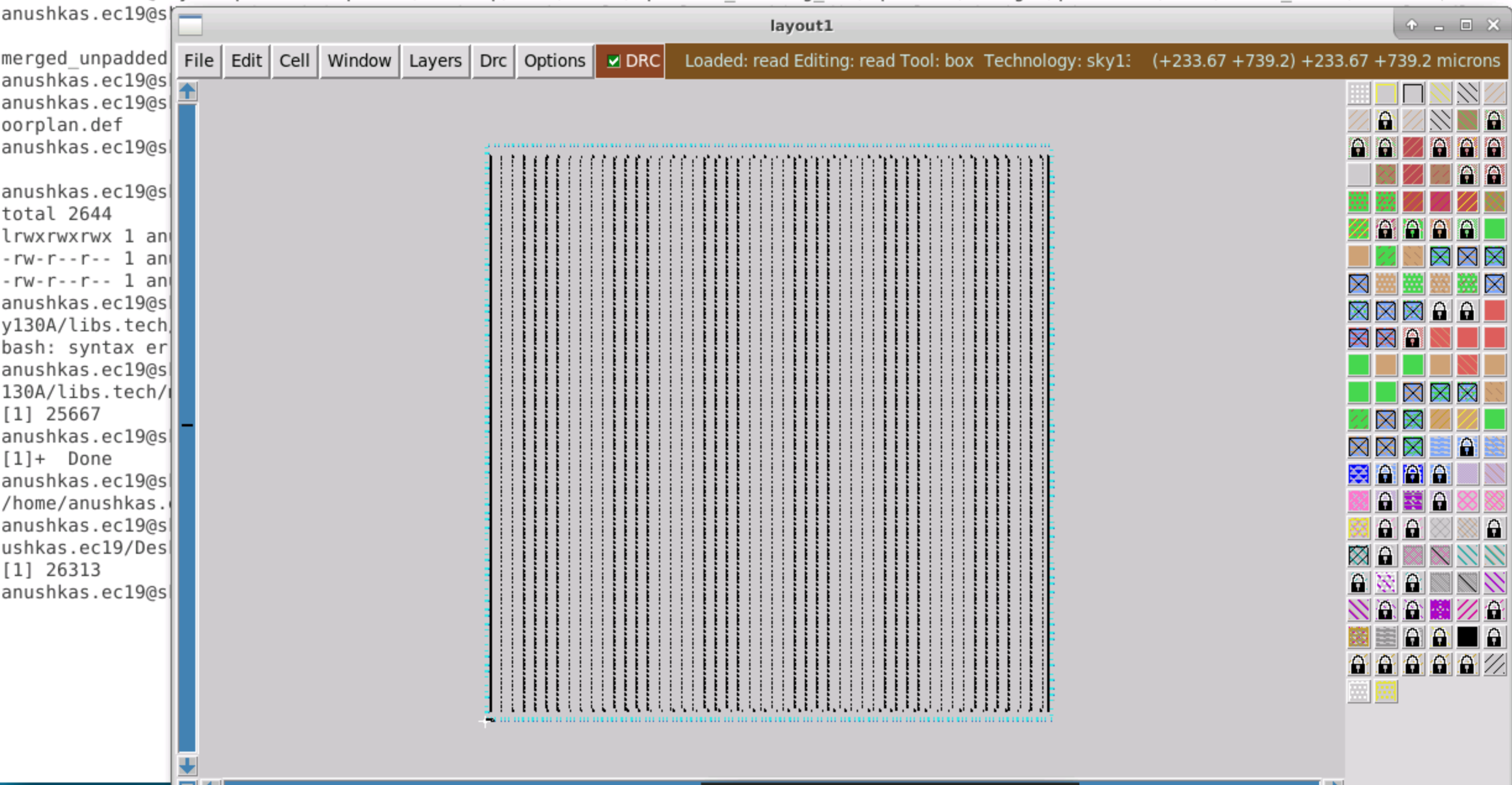
The tkcon window can help us get information such as which metal layer a given component belongs to, to help us verify this against our input parameter (such as metal layer set in io horiz metal). Decap cells and tap cells (to avoid latchup) are observed, with all standard cells being kept in the bottom left corner in layout.
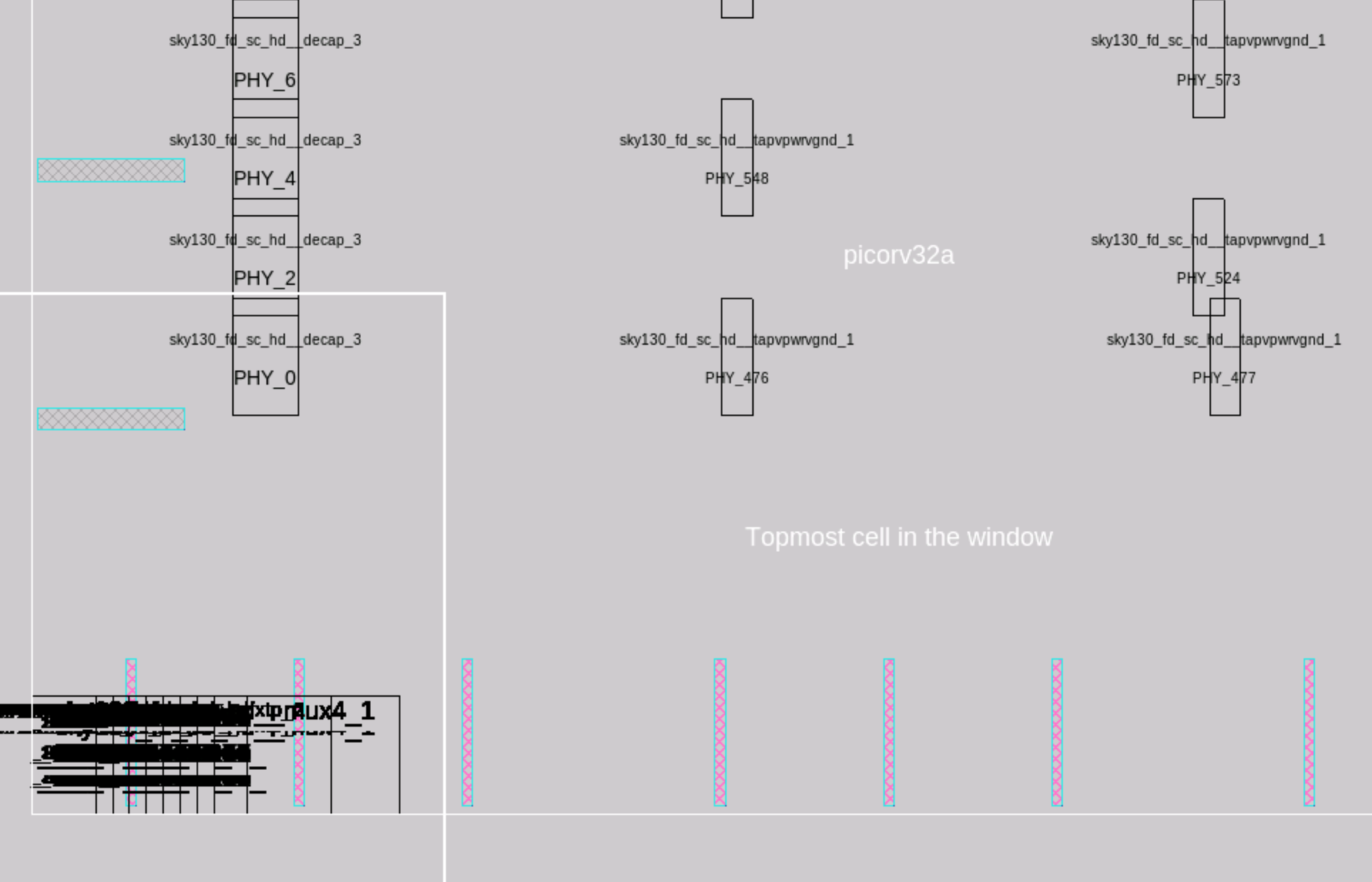
During this stage, standard cells are placed in the lines of the floorplan, in standard cell rows. Placement is done in 2 stages- global and detailed.
run_placement
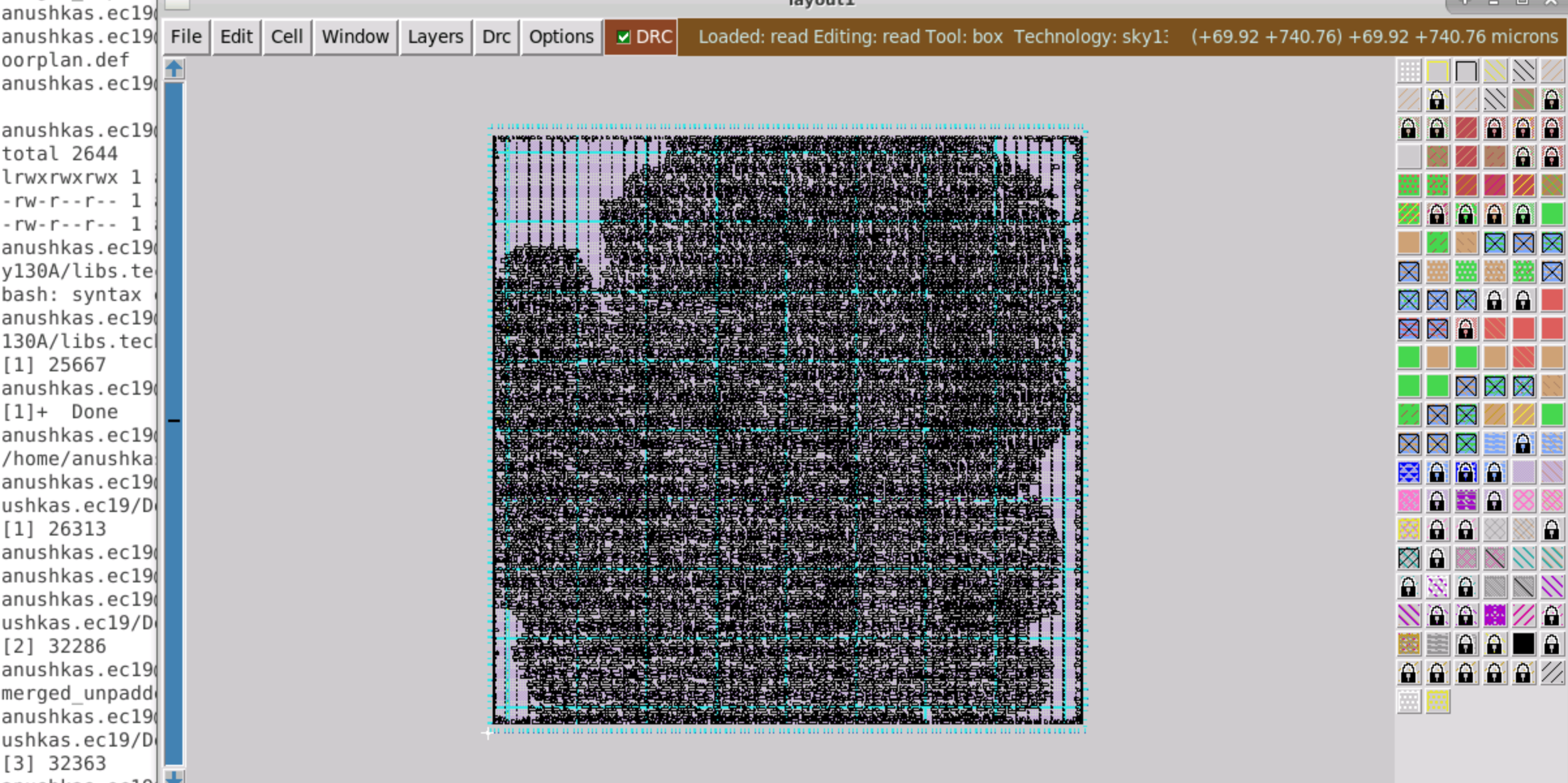
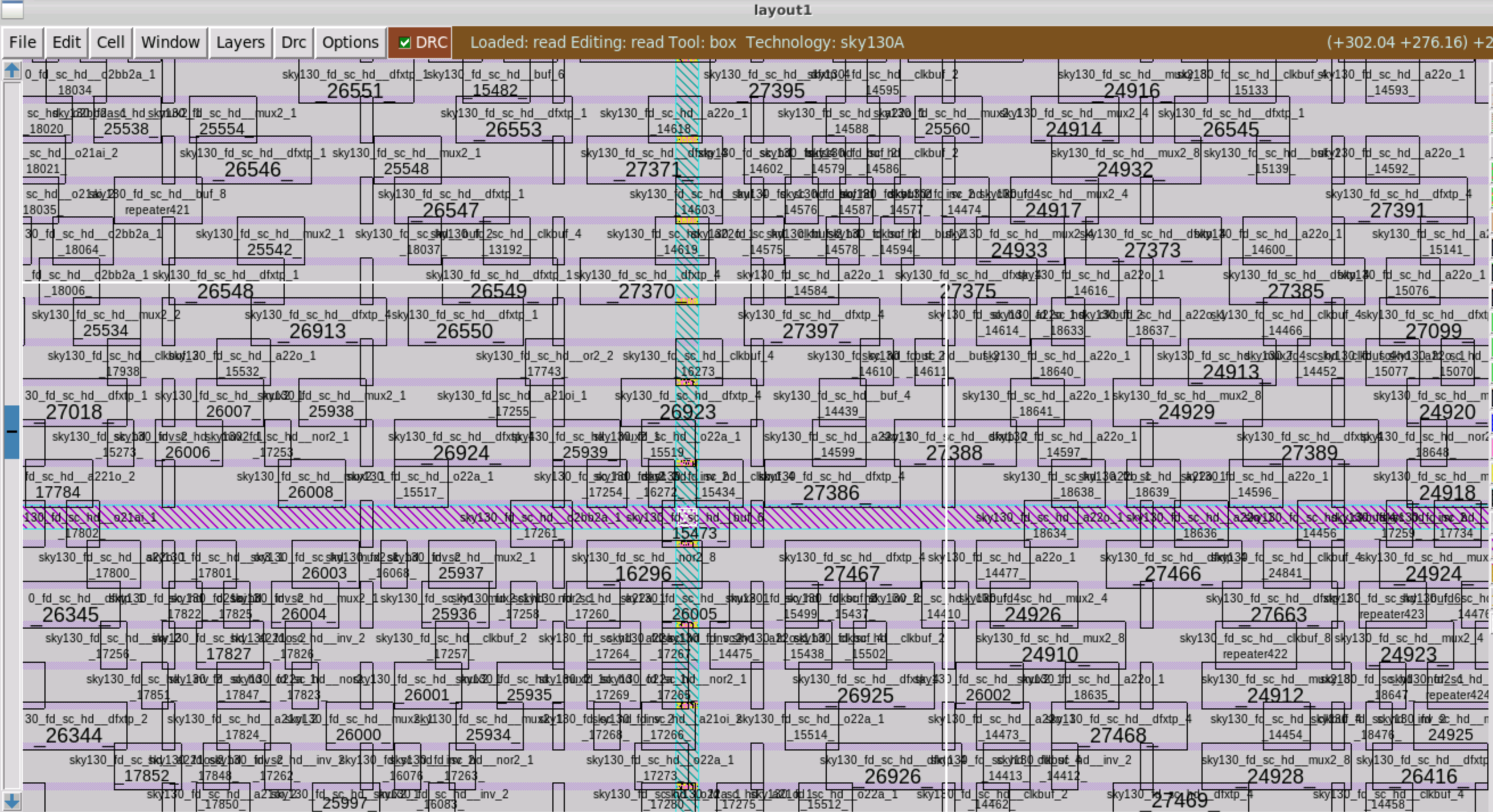
In floorplan stage, decoupling capacitances are placed at standard cell boundaries. Tap cells and I/O pads are also placed. During placement, standard cells are placed.
Copy the .tech file into the directory of the library cell.
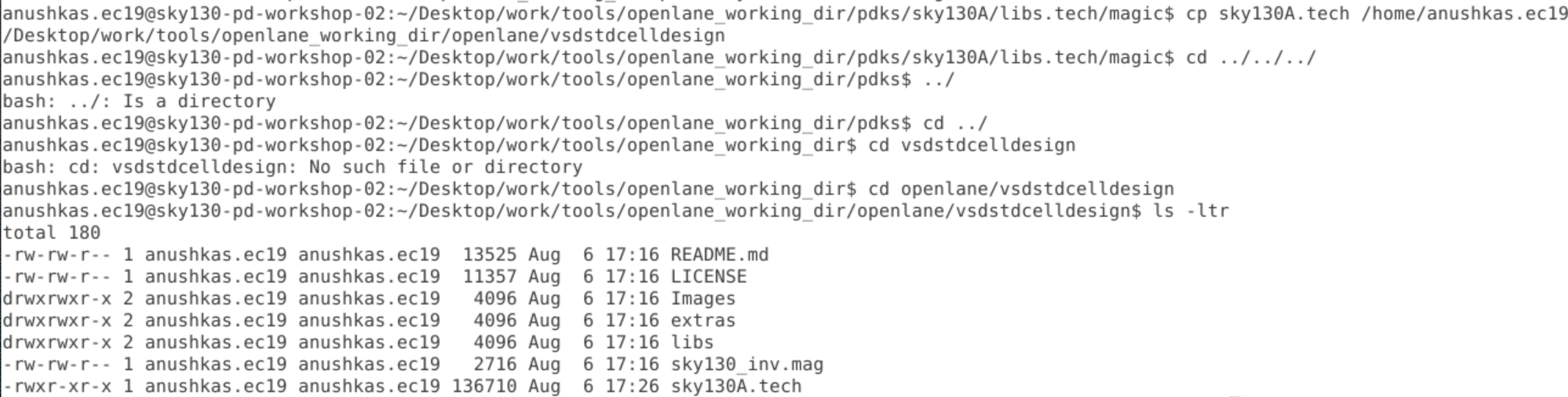
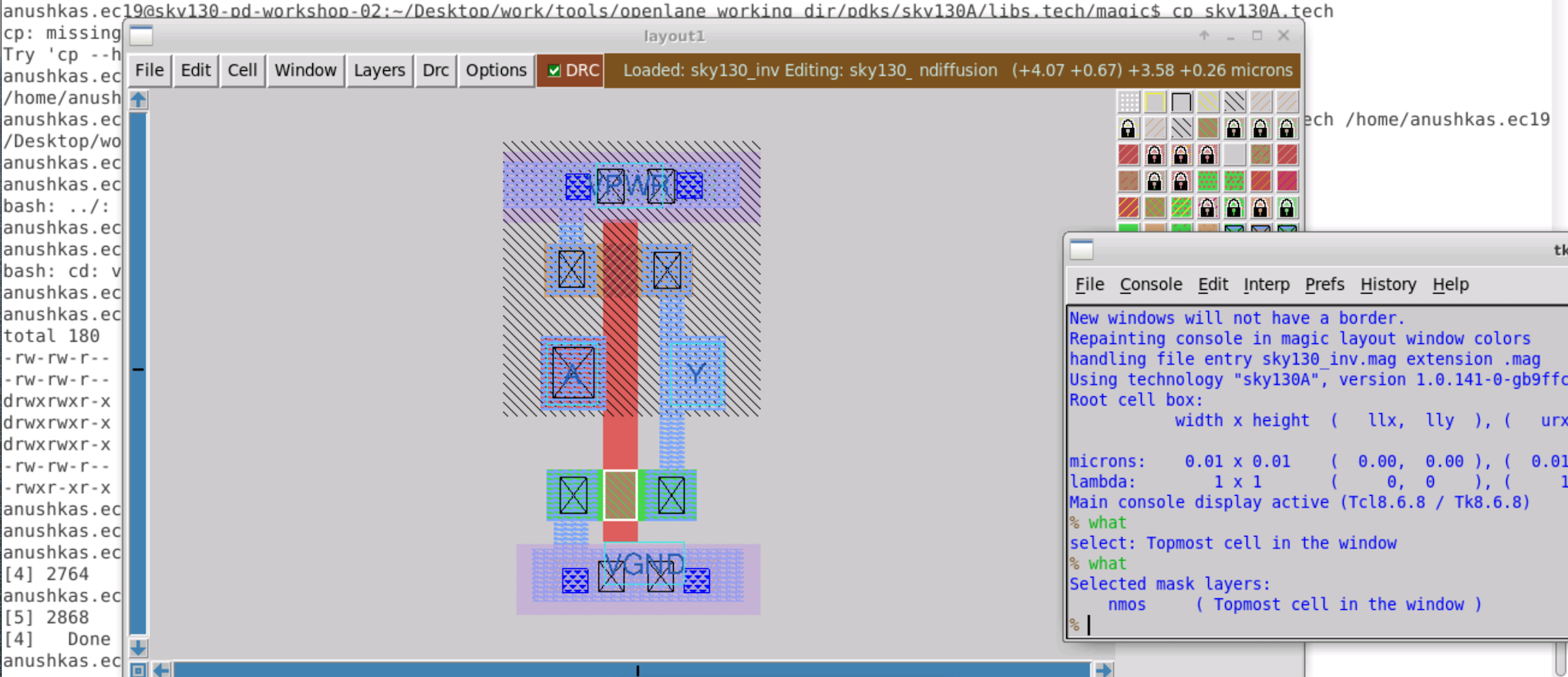
magic -T sky130A.tech sky130_inv.mag &
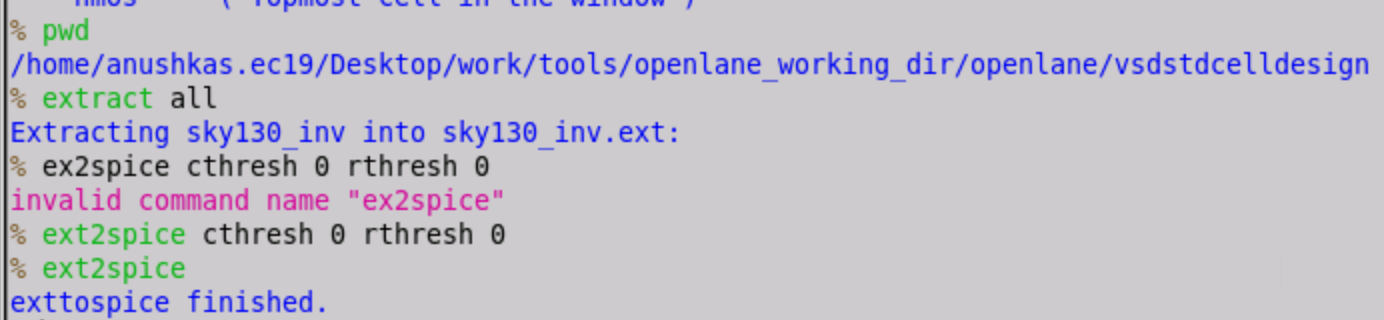
.ext file is created in the library cell directory on running extract all and .spice file is created after ext2spice is run.