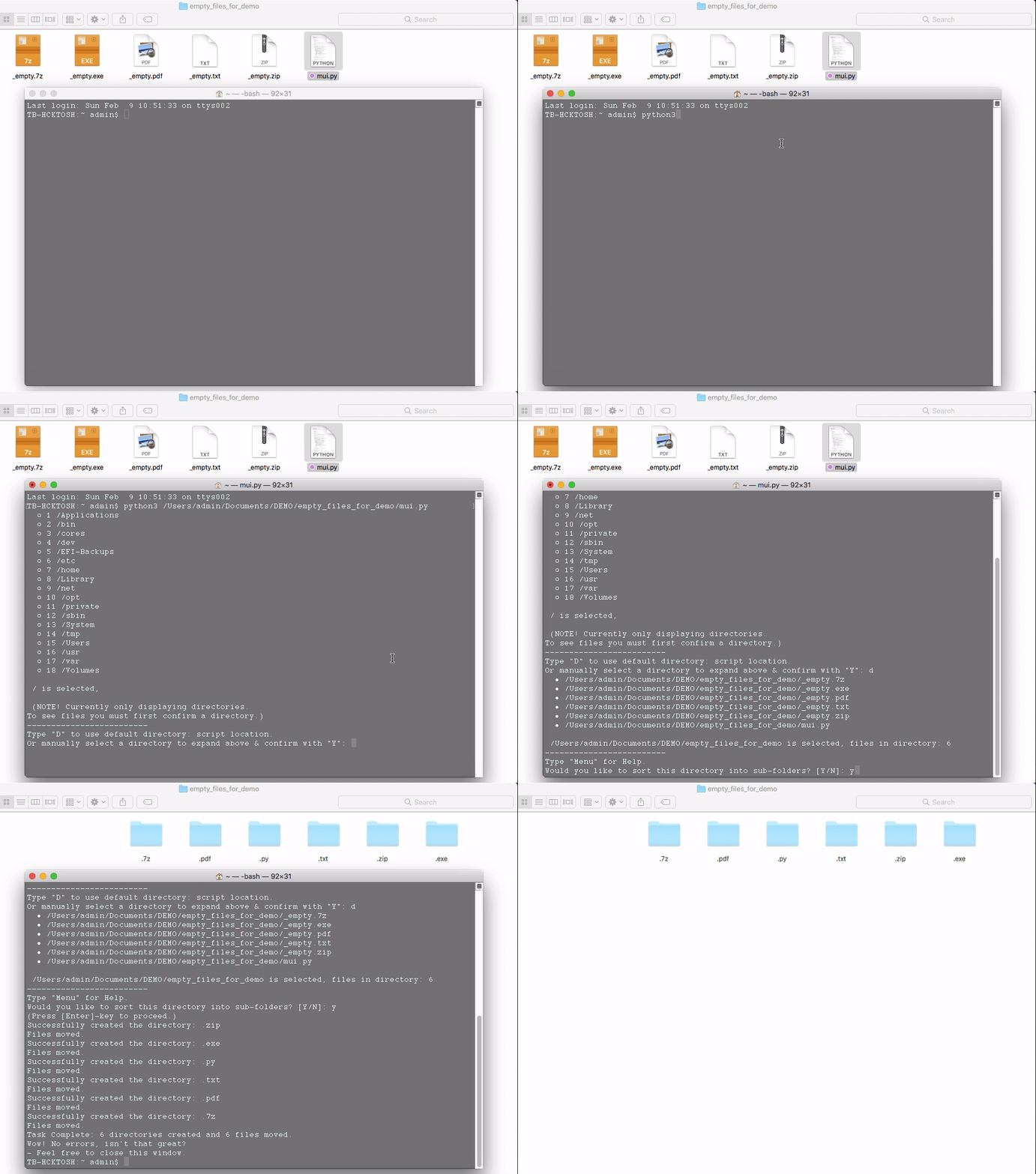
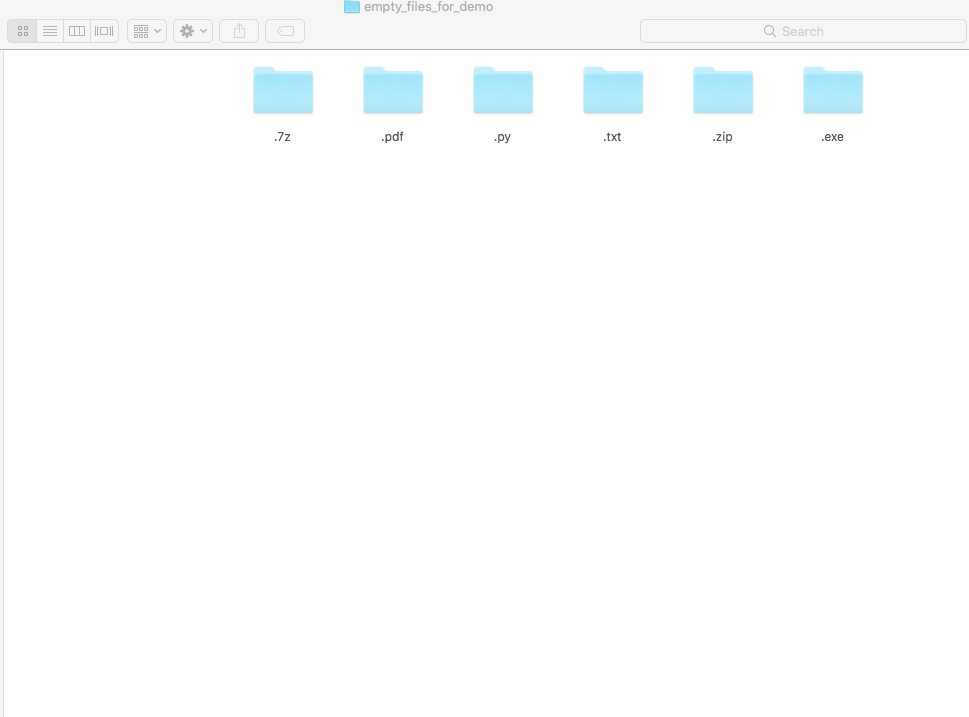
A small tool to aid in file organization, written in Python 3. Default method of organizing is set to consolidate via file extension type. This means for each unique file extension type (e.g. .zip, .txt, .py, ect.) a folder will be created and appropriately matching files moved to said folder. Simple, automated, and designed to run flawlessly across platforms. (Python required of course!)
Fast setup (recommended)
-
Drag and drop mui.py into the folder you would like to perform the operation.
-
Run it with Python3 and follow on-screen directions from there.(e.g.python3.../mui.py)
-
After the window opens, type "D" into the command-line window and hit [ enter ]. (This sets the default path to the parent-folder of where the script is located/being ran from)
-
Finally, type "Y" and hit [ enter ] once to confirm, and again to proceed.
-
Wait for window to prompt success of operation and close when finished.
-
And you're done! Hopefully it went smoothly and you found the tool helpful. Have a nice day.
Custom path setup (dirty method, not rec.)
-
Run mui.py with Python3, doesn't matter where from.
-
Use the command-line and directory list to navigate folders via entering directory index number, located on the left side. (You will only see directories, to see files in a folder you have to confirm a choice first.)
-
After you have reached your desired location, type "Y" to confirm. (Now you will see all the files in the directory along with a count)
-
Finally, type "Y" and hit [ enter ] once to confirm, and again to proceed.
Using fast method, default path.