
This project is for demonstration and testing purposes ONLY, to promote this packaging format to EEO. Consider this package as "experimental" or "testing". I also invite you to request them to release an official AppImage, and if they agree, you can show this repository as a proof of concept.
This wrapper is licensed under the GPL-3.0-only license.
ClassIn is a registered trademark of Empower Education Online Ltd. (EEO). This project is community-maintained and is not affiliated with, supported, or endorsed by EEO.
This is an unofficial AppImage wrapper for ClassIn.
Since ClassIn only officially provides .deb packages (which cannot be installed directly on Red Hat, SUSE, Arch, Gentoo-based, or immutable Linux distributions), this wrapper packages and extracts the official .deb binaries when user builds the AppImage.
- Screen sharing does not work on Wayland: This is an upstream issue from ClassIn (EEO). The client lacks QtWayland and xdg-desktop-portal implementation, resulting in a black screen when attempting to share. A temporary workaround is running your session on X11, or use WMs or DEs that support it if your current DE removed X11 support (I will recommend WMs, for example, Openbox or i3).
If you encounter any other issues, please report them on GitHub Issues.
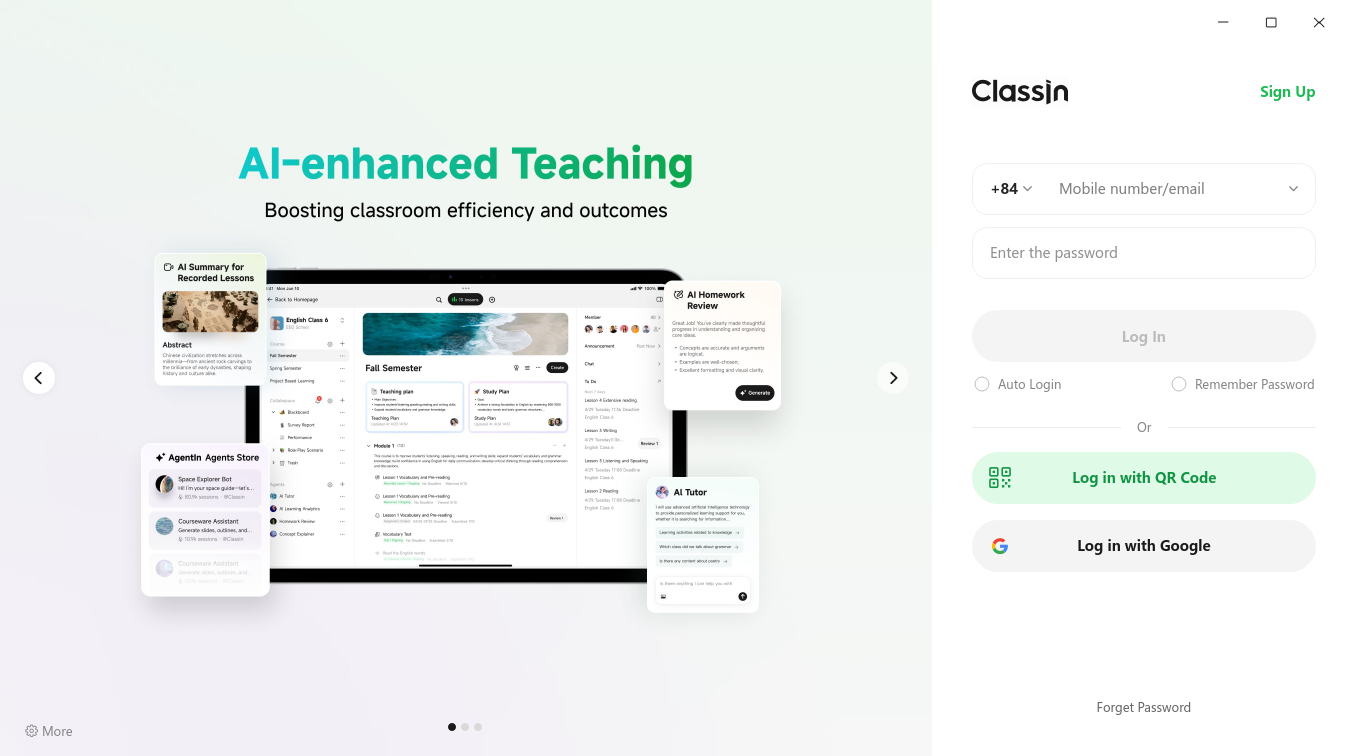
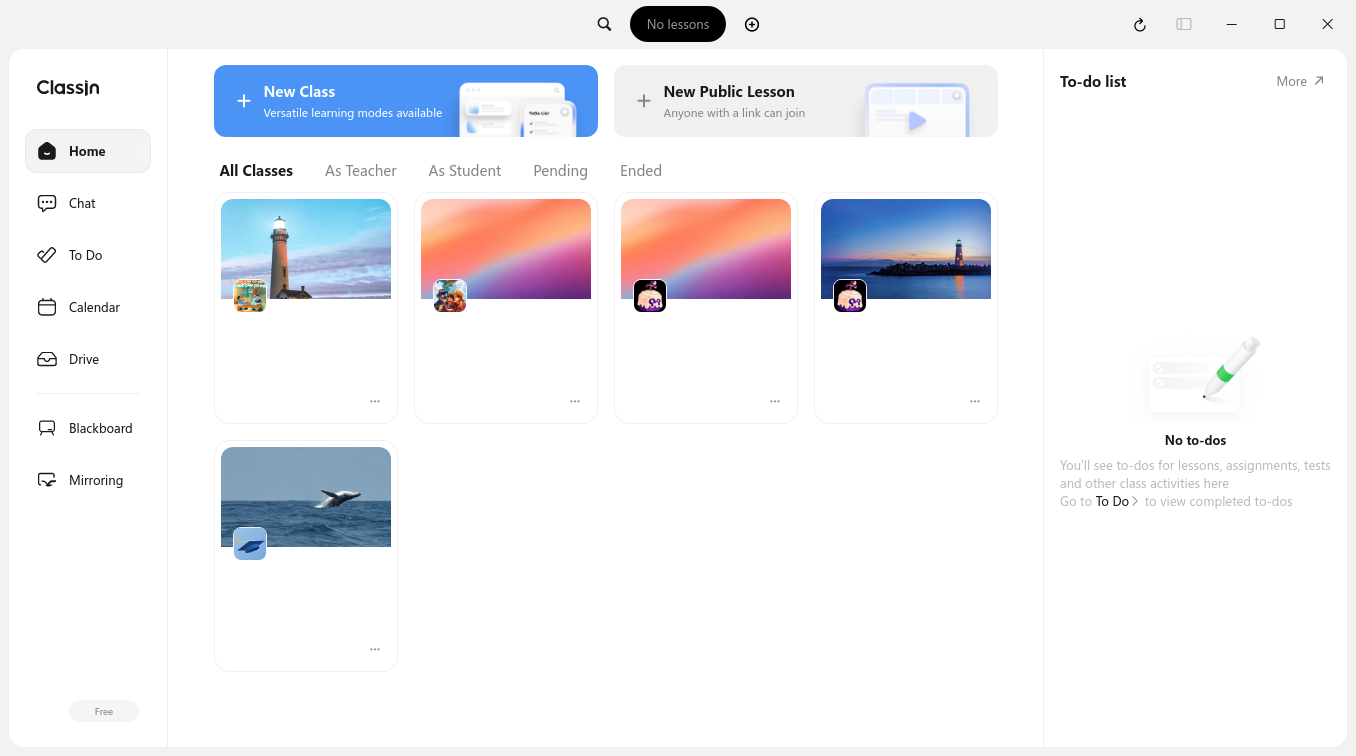
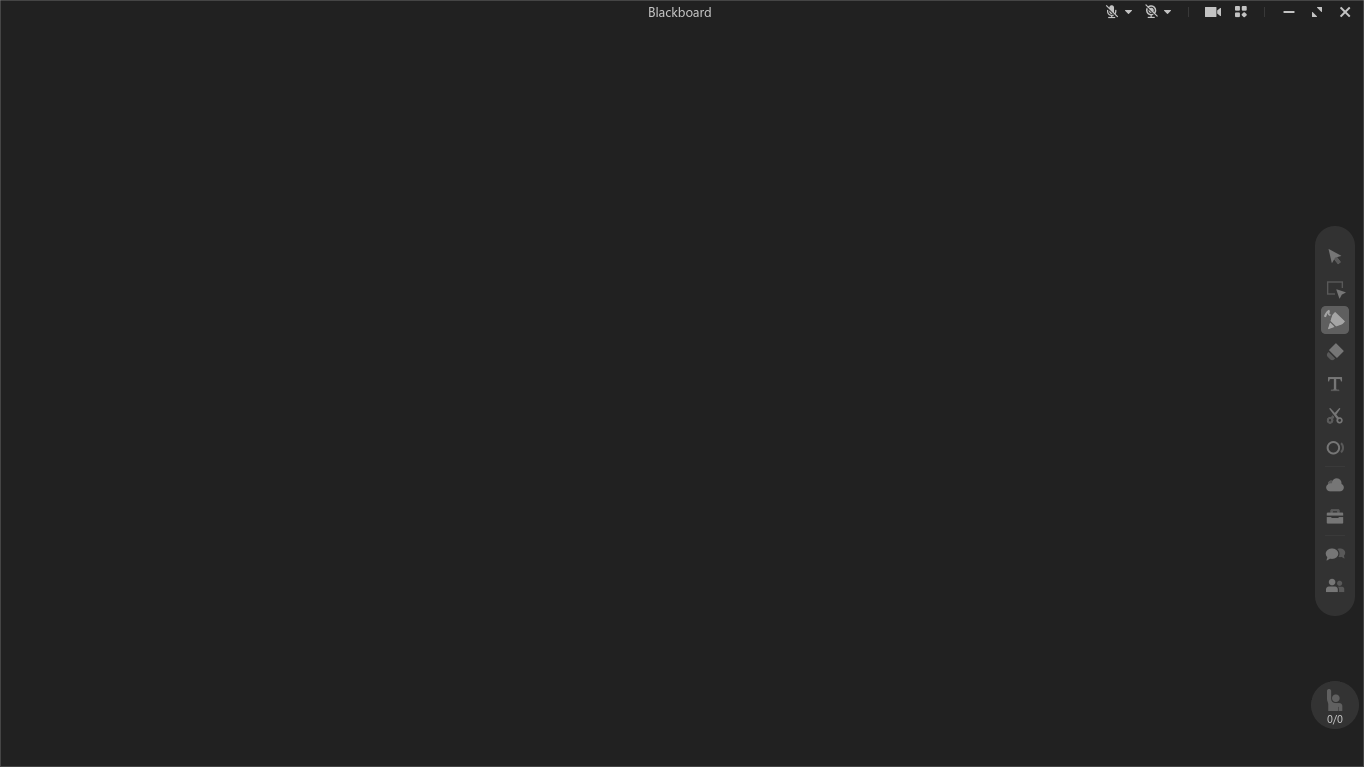
Here is the screenshots of the app:
- ClassIn login interface:
- ClassIn main interface:
- ClassIn blackboard:
Before installing or building this package, ensure your system meets the following requirements:
- Linux: 2.6.14 or later
- Display Server: X11 (recommended) or Wayland (with limitations)
- glibc: 2.38 or later (because ClassIn requires glibc 2.36, and some libraries requires 2.37)
- Architecture:
x86_64oraarch64 - Tools:
jq,sha256sum,stat,wget,tar,ar,make, from your distro - Gear Lever (optional): Lastest version from Flathub
- AM/AppMan (optional): Lastest version from iVAN's repo
I recommend using Gear Lever or AM to integrate the AppImage into your system menu.
- Download the latest
.AppImagefile from the Releases page. - Running ClassIn by going to the Running ClassIn section.
If you are using AM or AppMan, you can install using this command:
- For AM:
am -i classin
- For AppMan:
appman -i classin
-
Debian / Ubuntu:
sudo apt update && sudo apt install build-essential jq wget tar coreutils -
Fedora / Red Hat:
sudo dnf groupinstall "Development Tools" && sudo dnf install jq wget tar coreutils
-
Arch Linux / Manjaro:
sudo pacman -Syu --needed base-devel jq wget tar coreutils
-
openSUSE (Leap / Tumbleweed):
sudo zypper in -t pattern devel_basis && sudo zypper in jq wget tar coreutils
-
Gentoo:
sudo emerge --ask sys-devel/make sys-devel/binutils app-misc/jq net-misc/wget app-arch/tar sys-apps/coreutils
-
Locally build an AppImage:
make
The make command will detect your architecture and build the corresponding AppImage. Type make help for more info. Final AppImage will be in dist/ directory.
Note: You can remove the development tools if you don't need, but DO NOT REMOVE other packages that installed.
Using AM/AppMan, recommended together with Gear Lever (it auto adds ClassIn to your path):
classinUsing Gear Lever, recommended together with AM/AppMan:
- Using GUI:
- Double-click to the AppImage, a window will appear
- Click "Move to the app menu"
- Than click "Launch", you are ready to go!
- Using CLI:
flatpak run it.mijorus.gearlever --integrate ClassIn-*.AppImage
Or run it manually:
chmod a+x ClassIn-*.AppImage
./ClassIn-*.AppImageContributions are always welcome! You can help by:
- Reporting issues (crashes, problems, missing fonts/libs).
- Submitting PRs to update the wrapper.
- Improving the autobuild (CI) code and other parts.
Want to become a co-maintainer? If you use ClassIn on Linux regularly, you can join in and help maintain this package! See this issue for more info.
Feel free to open an issue or submit a PR anytime!