


Watch elements entering or leaving a viewport.
npm install isinview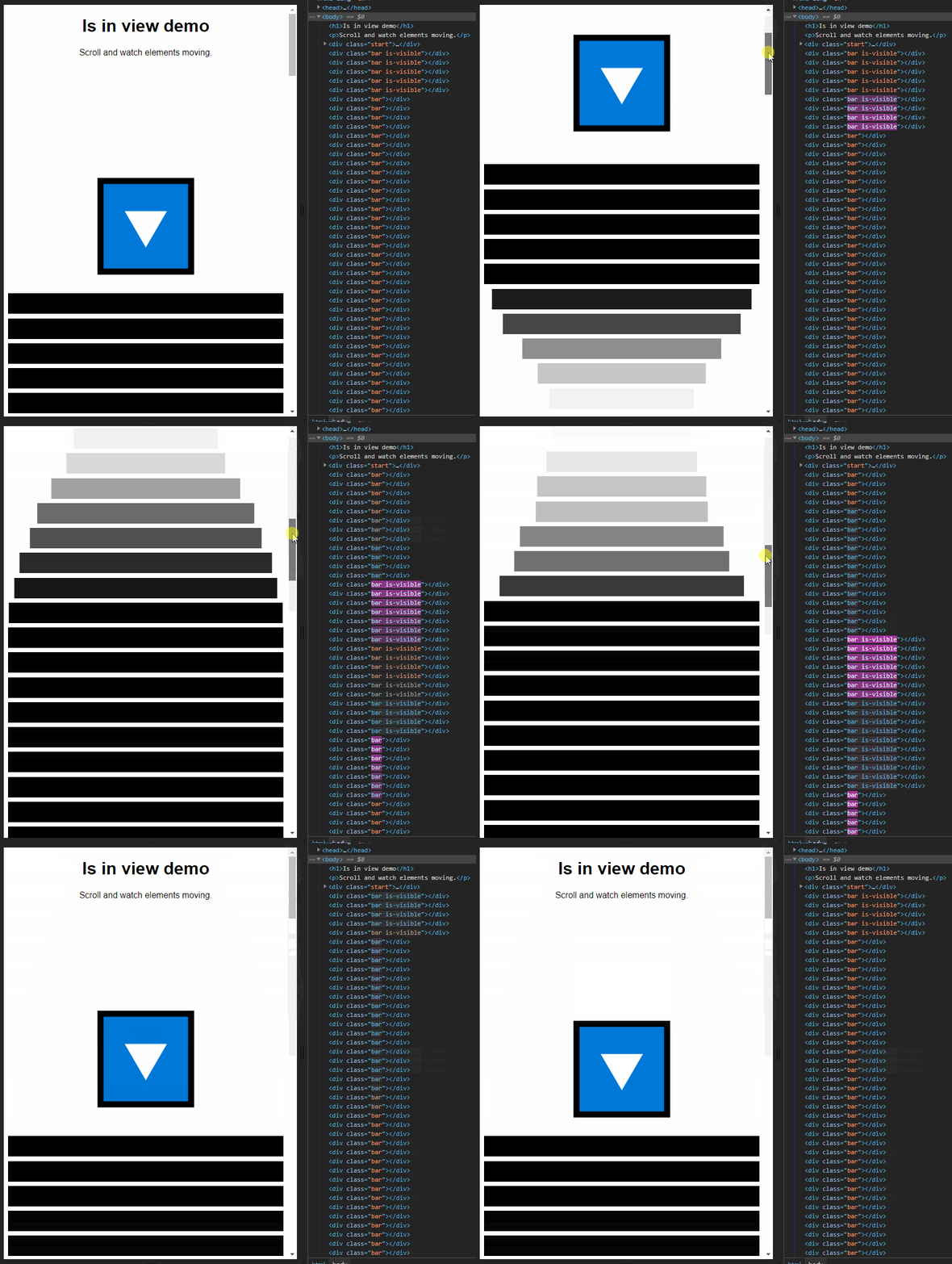
import { isInView, isOutOfView } from 'isinview'

isInView(document.querySelector('#target'), (target) => {
	console.log('Target element has entered the viewport')
	target.classList.add('is-visible')
})

isOutOfView(document.querySelector('#target'), (target) => {
	console.log('Target element has left the viewport')
	target.classList.remove('is-visible')
})import { isInView } from 'isinview'
const options = {
once: true, // Run callback only the first time for every target element [true, false]
threshold: 0.5, // Fraction of target's area that must be visible [0 - 1]
}
isInView(
document.querySelectorAll('.target'),
(target) => {
console.log('Target element has entered the viewport', target)
},
options
)import { isSupported } from 'isinview'
console.log(
isSupported() ? 'IsInView is supported.' : 'IsInView is not supported!'
)Based on IntersectionObserver (caniuse).
Polyfill for IE and old Safari:
<script
	crossorigin="anonymous"
	src="https://polyfill.io/v3/polyfill.min.js?features=IntersectionObserver"
></script>