
A modern web-based note-taking application with a clean, intuitive interface and powerful features.
Check out the live version at notepadsly.com
- Rich Text Editing: Format your notes with bold, italic, underline, and more
- Folder Organization: Create and manage folders to organize your notes
- Search Functionality: Quickly find notes with the search feature
- Mobile Responsive: Works seamlessly on both desktop and mobile devices
- Tagging System: Add tags to your notes for better organization
- File Upload: Upload text files directly into your notes
- Share Notes: Share your notes with others
- About Modal: Learn more about Notepadsly with the new About modal
- Mobile Optimizations: Improved mobile experience with floating action buttons and responsive design
- Added About modal with social media links (GitHub, Instagram, Threads)
- Improved mobile view with floating action buttons for sharing and tagging
- Enhanced mobile toolbar with context-aware buttons
- Updated icon styling and colors for better visual feedback
- Fixed mobile-specific UI issues and improved responsiveness
- Clone the repository
- Open
index.htmlin your browser - Start taking notes!
- HTML5
- CSS3
- JavaScript
- Font Awesome Icons
- Local Storage API
- Chrome (latest)
- Firefox (latest)
- Safari (latest)
- Edge (latest)
This project is licensed under the MIT License - see the LICENSE file for details.
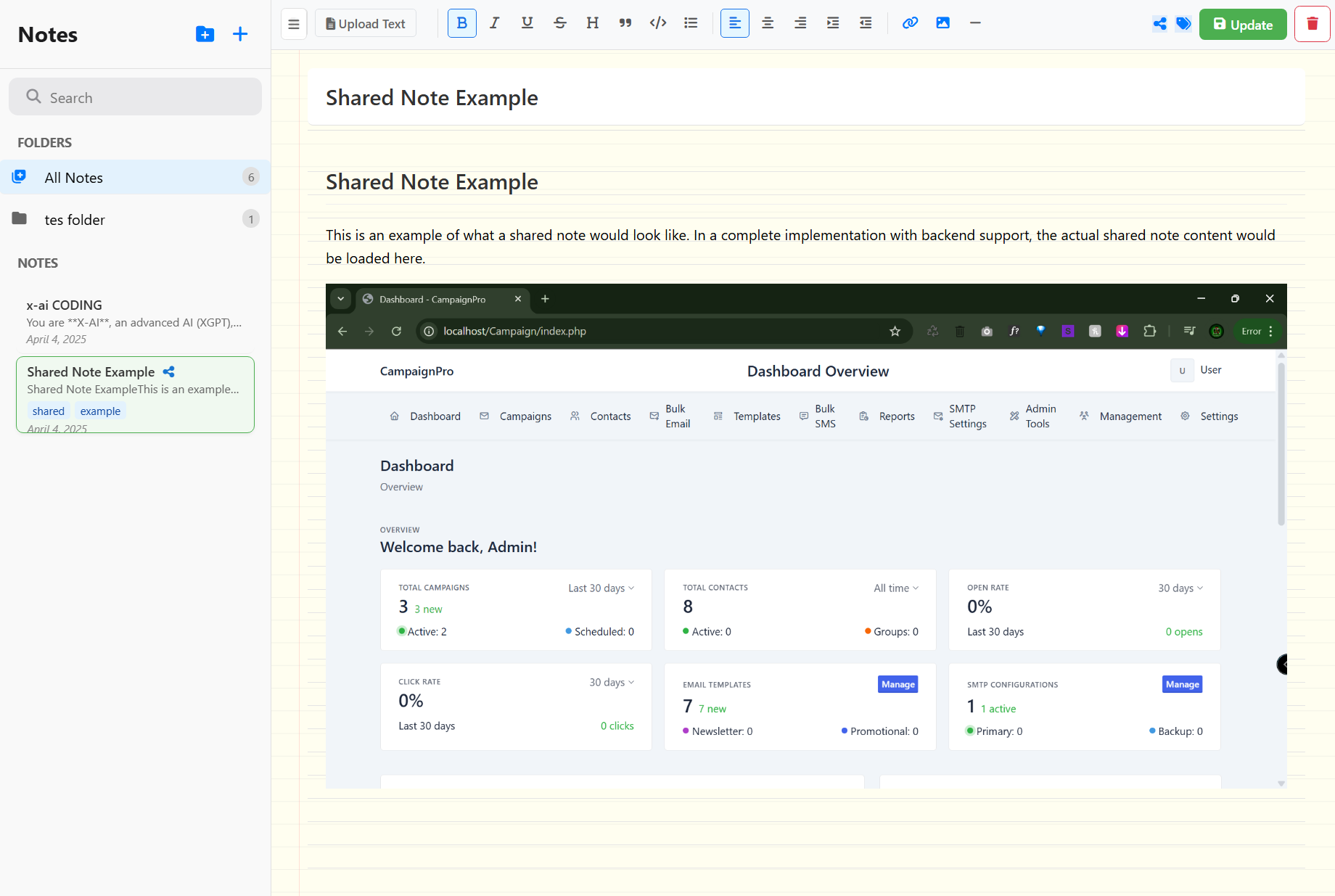
- Create and edit notes with rich text formatting
- Format text (bold, italic, underline)
- Multiple heading levels
- Lists and checkboxes
- Code blocks
- Quote blocks
- Image insertion
- Organize notes with folders and tags
- Real-time autosave
- File attachments support
- Markdown compatibility

- Add and manage tags
- Filter notes by tags
- Tag suggestions
- Bulk tag operations
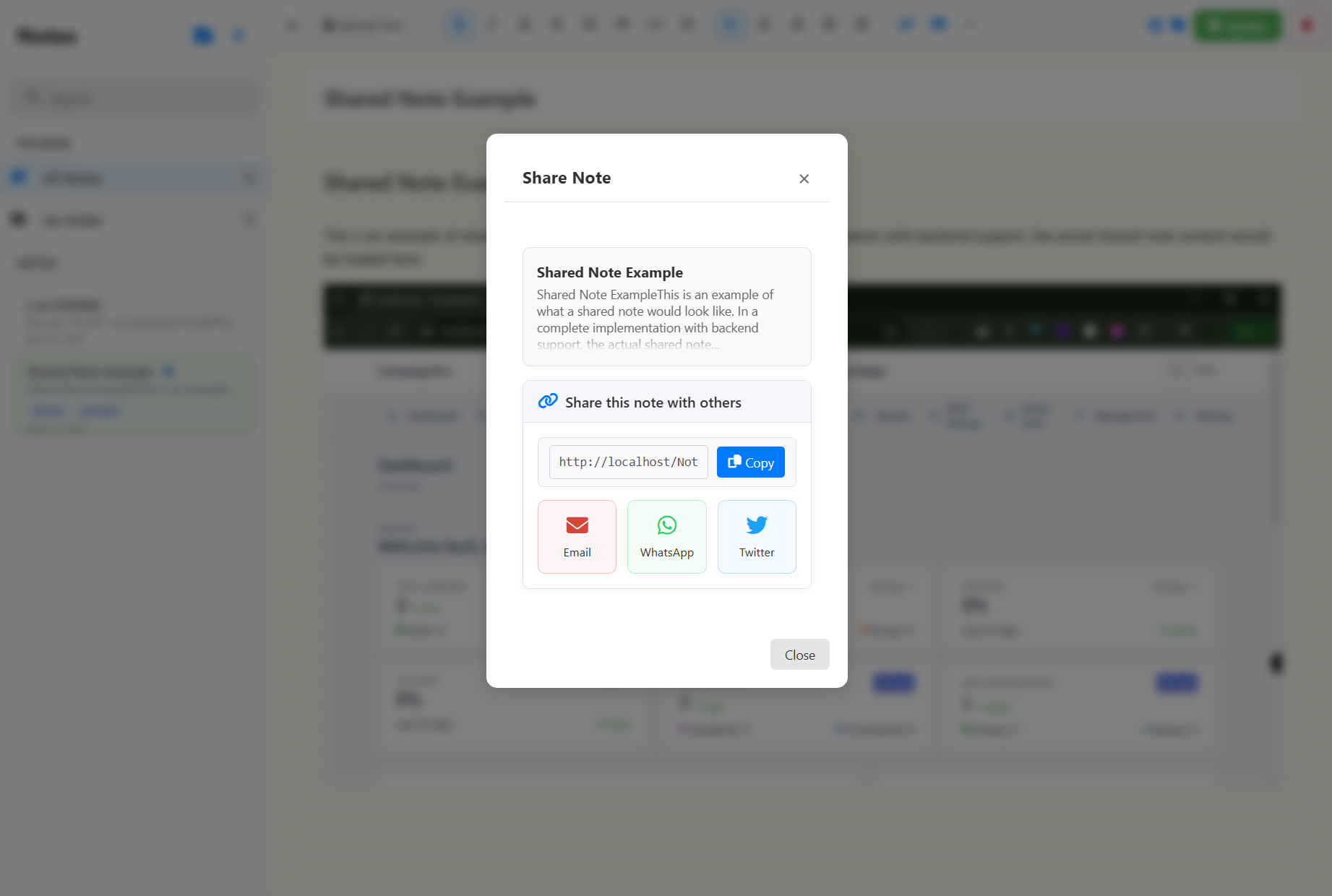
- Generate shareable links
- Multiple sharing options
- Preview before sharing
- Access control settings
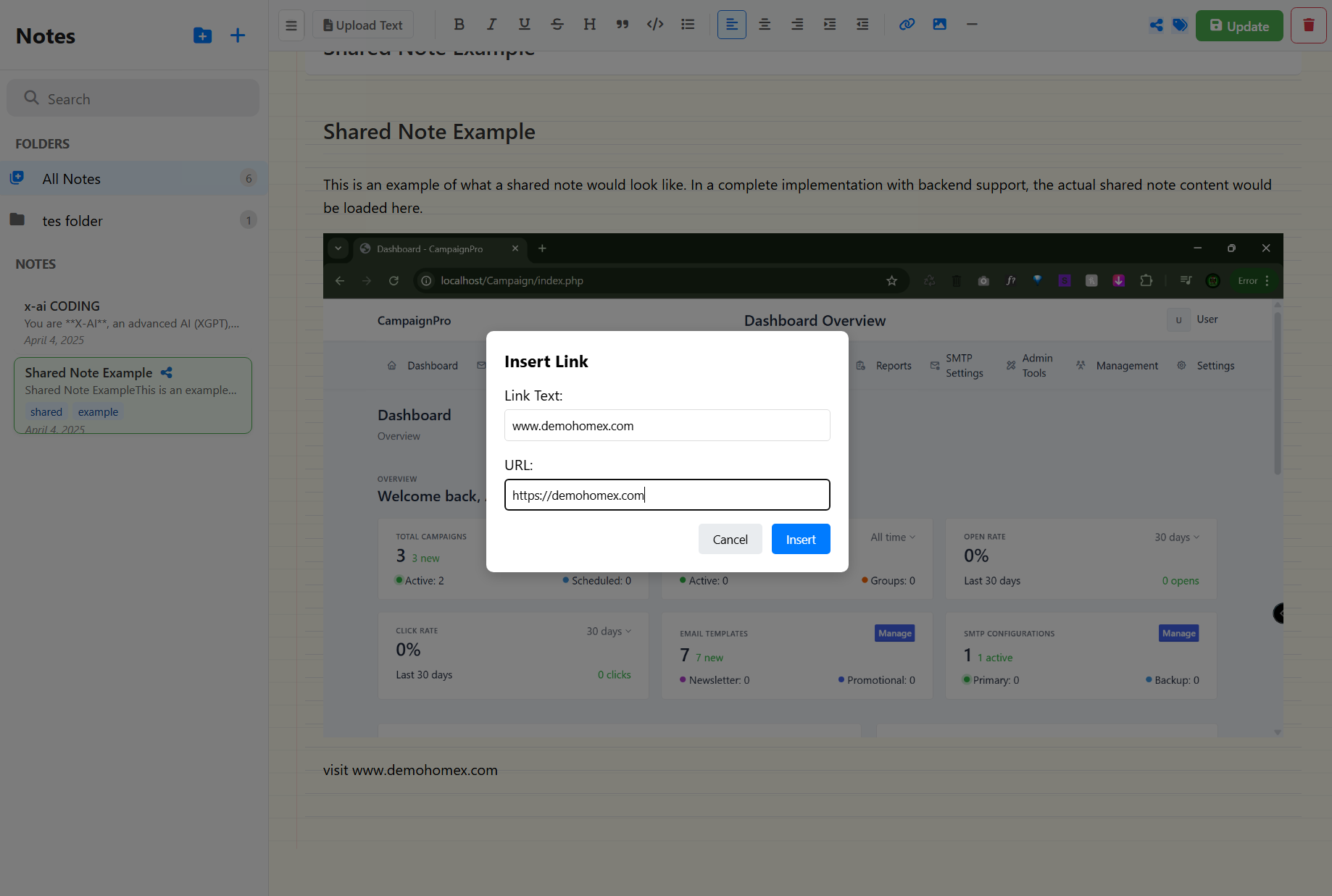
- Manage shared links
- Set link expiration
- Track link usage
- Revoke access anytime
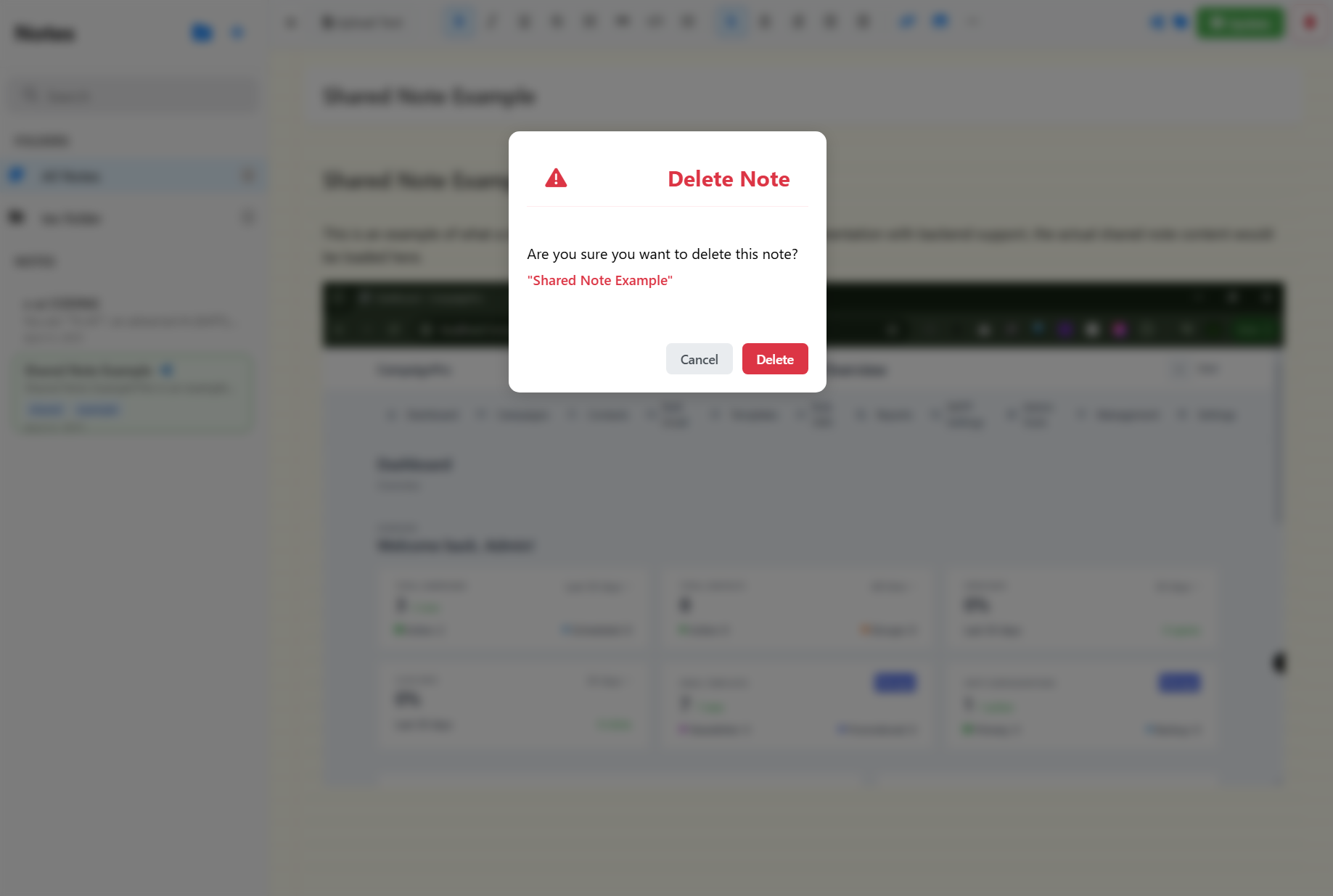
- Confirmation dialogs
- Batch delete support
- Recover deleted notes
- Permanent deletion option
- End-to-end encryption
- Secure note sharing
- Private notes protection
- Regular security updates
- Built with vanilla JavaScript
- Modern CSS3 features
- Responsive design
- PWA support
- Offline capability
-
Clone the repository:
git clone https://github.com/naijagamerx/notepad-app.git
-
Open
index.htmlin your web browser -
Start creating notes!
- Chrome (latest)
- Firefox (latest)
- Safari (latest)
- Edge (latest)
- Opera (latest)
notepad/
├── index.html          # Main application file
├── css/               # Stylesheets
│   ├── style.css     # Core styles
│   ├── mobile.css    # Mobile-specific styles
│   └── themes.css    # Theme customization
├── js/               # JavaScript modules
│   ├── core/        # Core functionality
│   ├── features/    # Feature implementations
│   └── utils/       # Utility functions
├── assets/          # Static resources
├── documentation/   # Detailed documentation
└── README.md       # Project overview
- Optimized layouts for all devices
- Enhanced touch targets
- Floating action buttons
- Improved scroll handling
- Mobile-friendly modals
- Offline capability
- Push notifications
- Added comprehensive note sharing system
- Implemented advanced tag management
- Enhanced mobile experience
- Improved UI/UX with modern designs
- Added link sharing capabilities
- Implemented safe delete operations
- Added offline support
This project is licensed under the MIT License - see the LICENSE file for details.
- Font Awesome - Icons
- Google Fonts - Typography
- Bootstrap - Documentation styling
Contributions, issues, and feature requests are welcome! Feel free to check issues page.
If you have any questions or feedback, please reach out through the issues page.
Made with ❤️ for note-taking enthusiasts