TaskFlow is a web-based task management system designed to streamline workflow and enhance collaboration between managers and employees.
It implements role-based access control (RBAC) to ensure each user interacts with features relevant to their role — boosting efficiency, accountability, and data security.
🚀 Live Demo: https://taskflow-lenok.netlify.app/
- About the Project
- Key Features
- Tech Stack
- Project Screenshots
- Installation & Setup
- Learning Outcomes
- Contributing
- License
TaskFlow was developed as part of my internship at Lenok Solutions, an aviation-focused IT company specializing in custom software development.
The project’s goal was to create a scalable task management web app where managers can assign and monitor tasks, while employees can view and update their own.
It emphasizes:
- Role-specific dashboards (Manager / Employee)
- Modern UI design with responsive layouts
- Smooth user experience powered by React SPA architecture
- 🔐 Role-Based Access Control: Separate views and permissions for managers and employees
- 🧭 Manager Dashboard: Create, assign, and monitor team tasks in real time
- 🧑💻 Employee Dashboard: View, update, and complete assigned tasks
- 💡 Dynamic UI: Built with reusable React components for scalability
- 📱 Fully Responsive: Optimized for desktops, tablets, and mobile devices
- ⚡ Deployed on Netlify: Accessible as a live single-page application
| Technology | Purpose |
|---|---|
| React (Vite) | Frontend development & component architecture |
| Tailwind CSS | Modern responsive styling |
| JavaScript (ES6+) | Core logic, state management, and role handling |
| Netlify | Deployment and hosting |
| Git & GitHub | Version control and collaboration |
Here is the updated section with your correct filenames.
| Login Page | Employee Dashboard | Manager Overview |
|---|---|---|
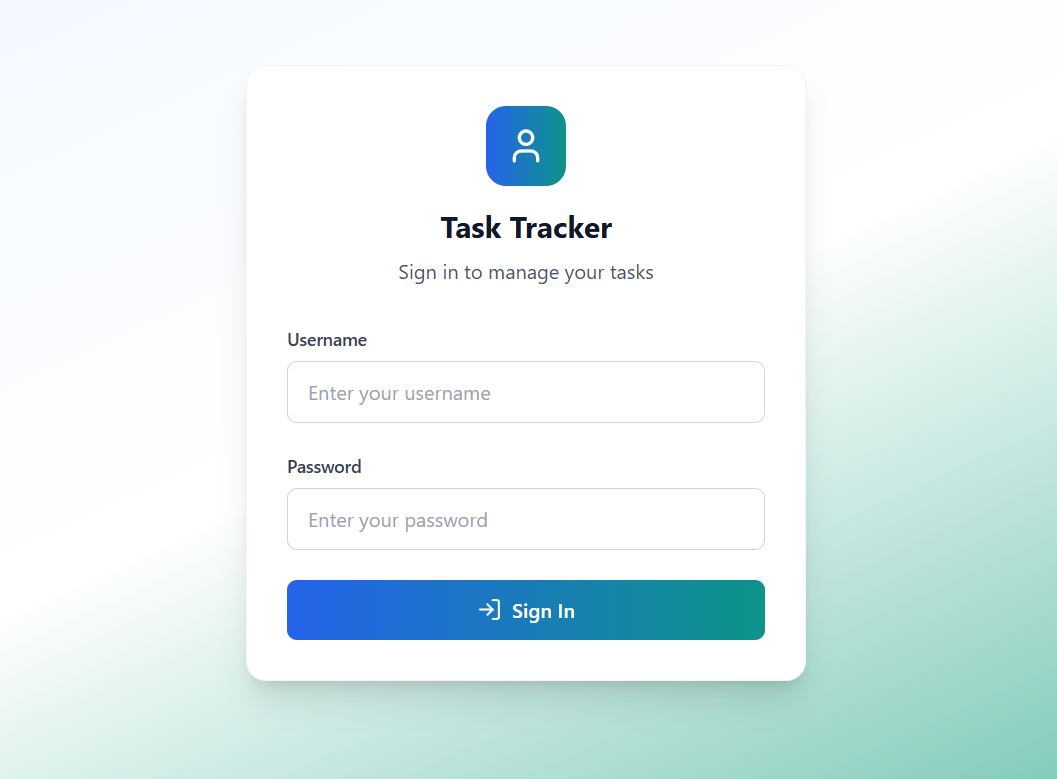 |
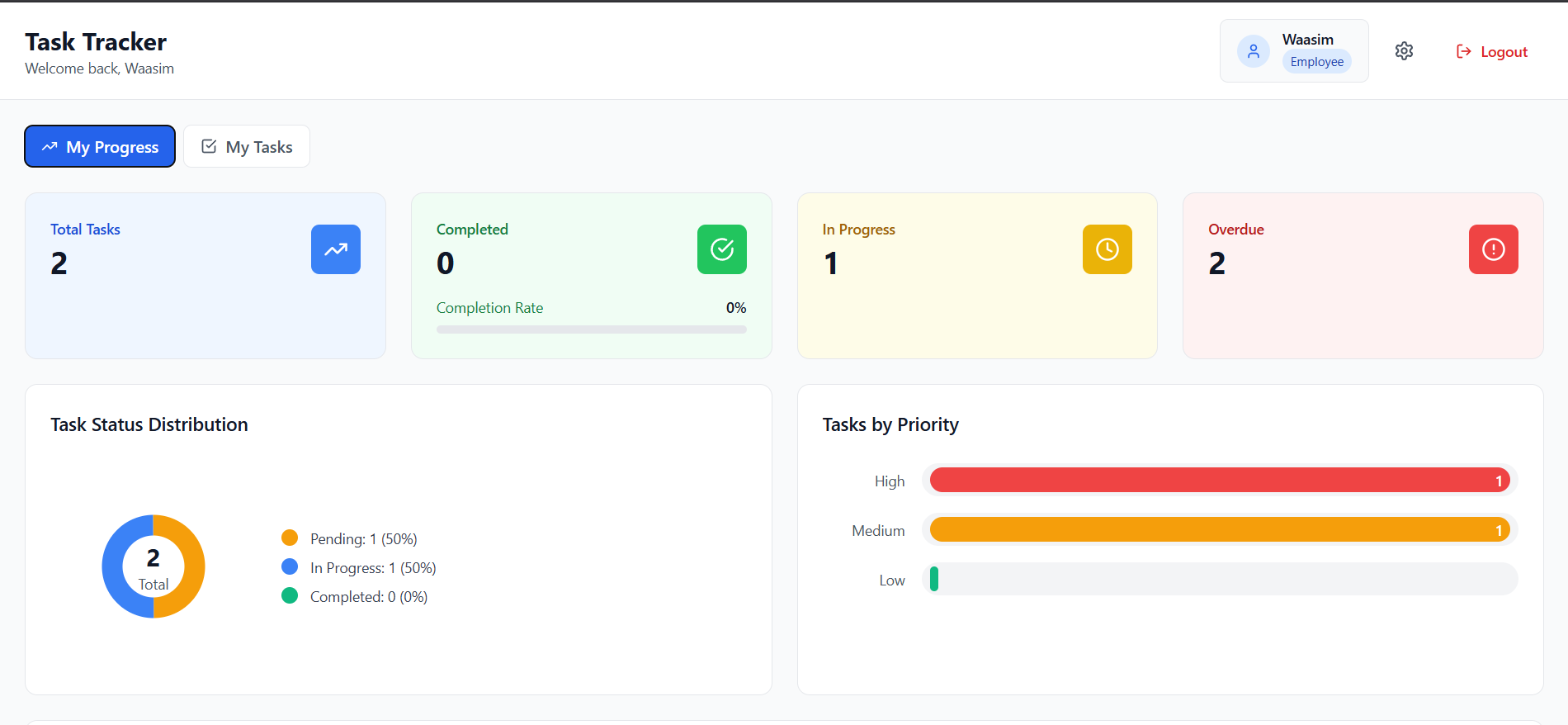 |
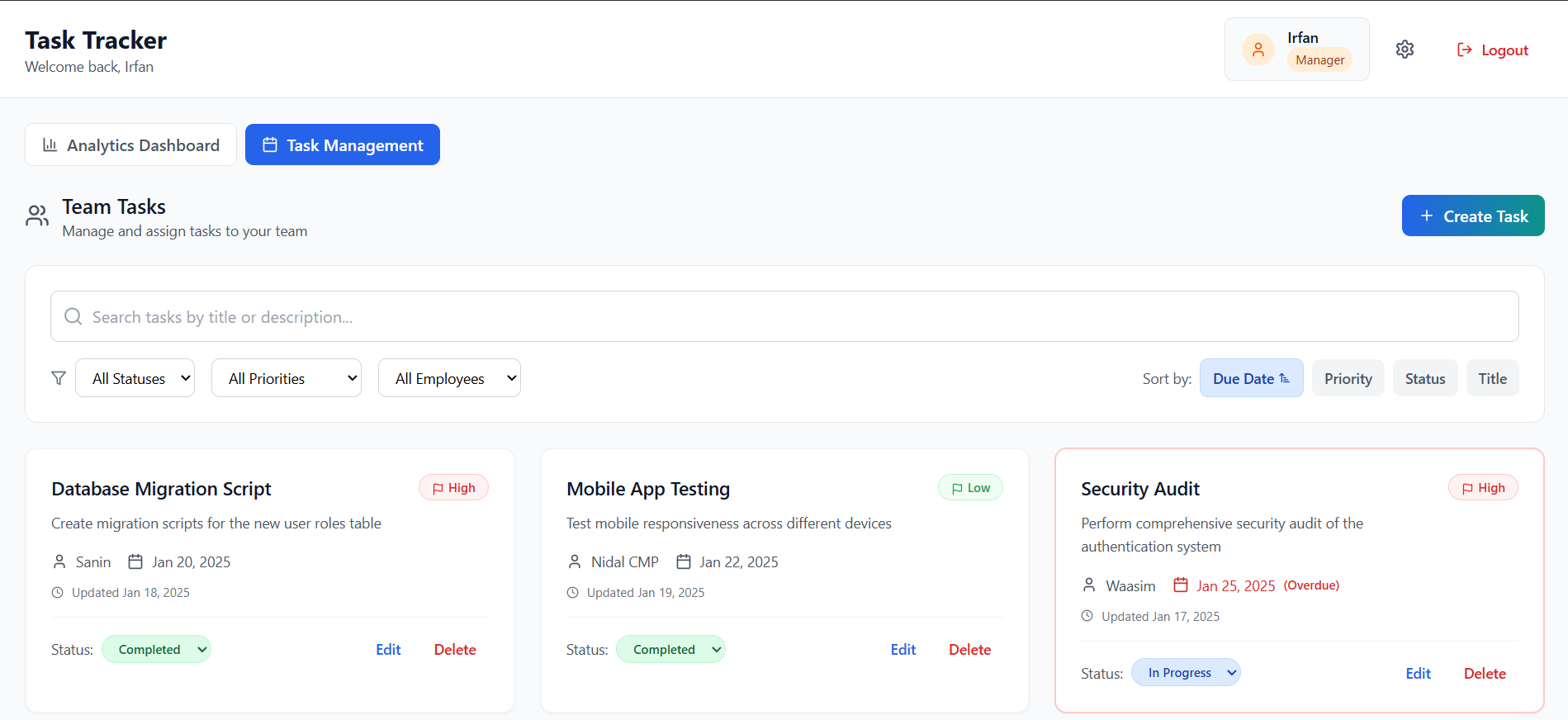 |
| Create Task Modal | Employee Landing Page | Manager Landing Page |
|---|---|---|
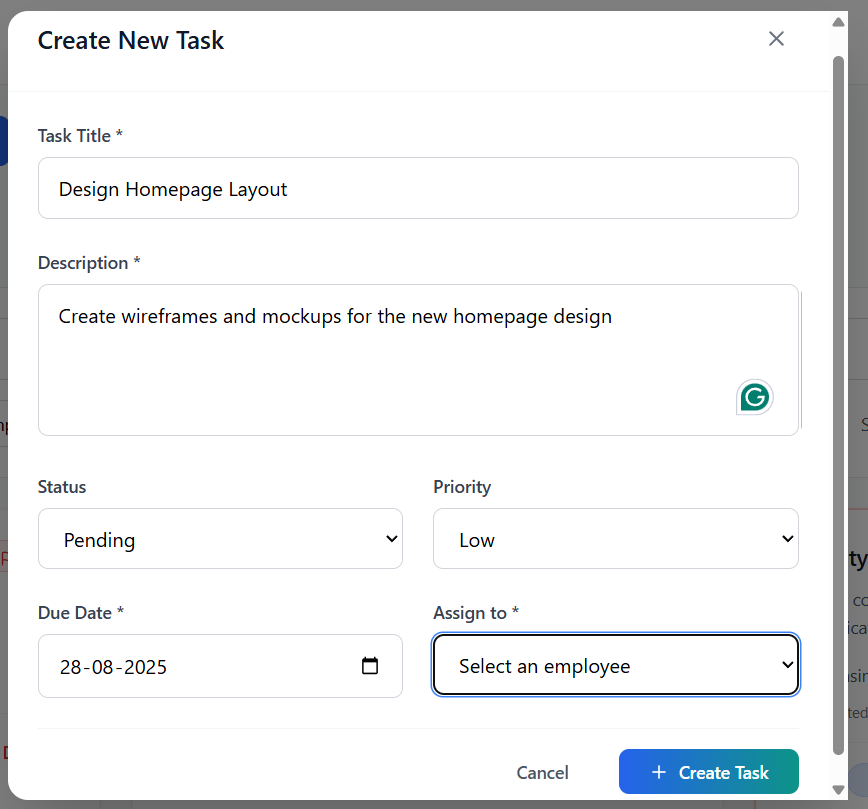 |
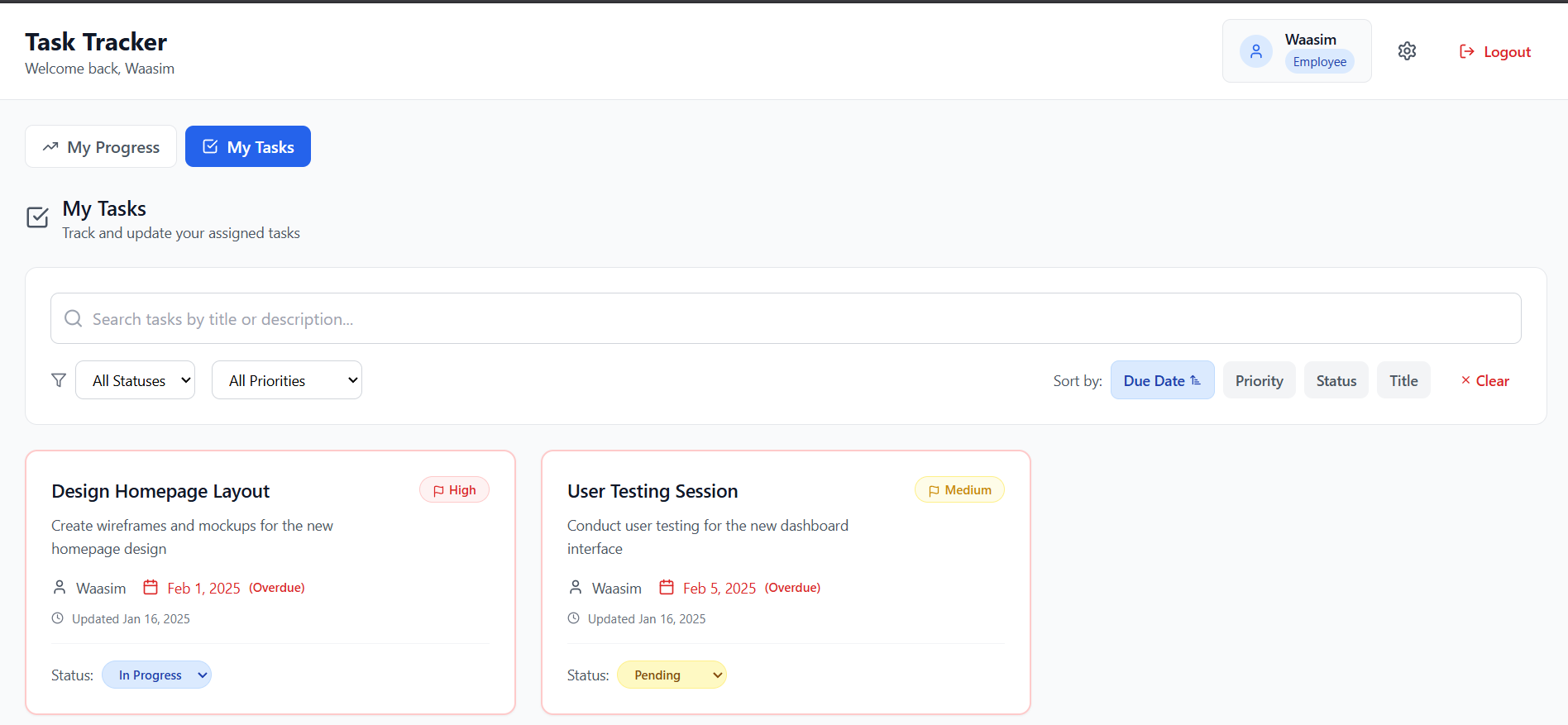 |
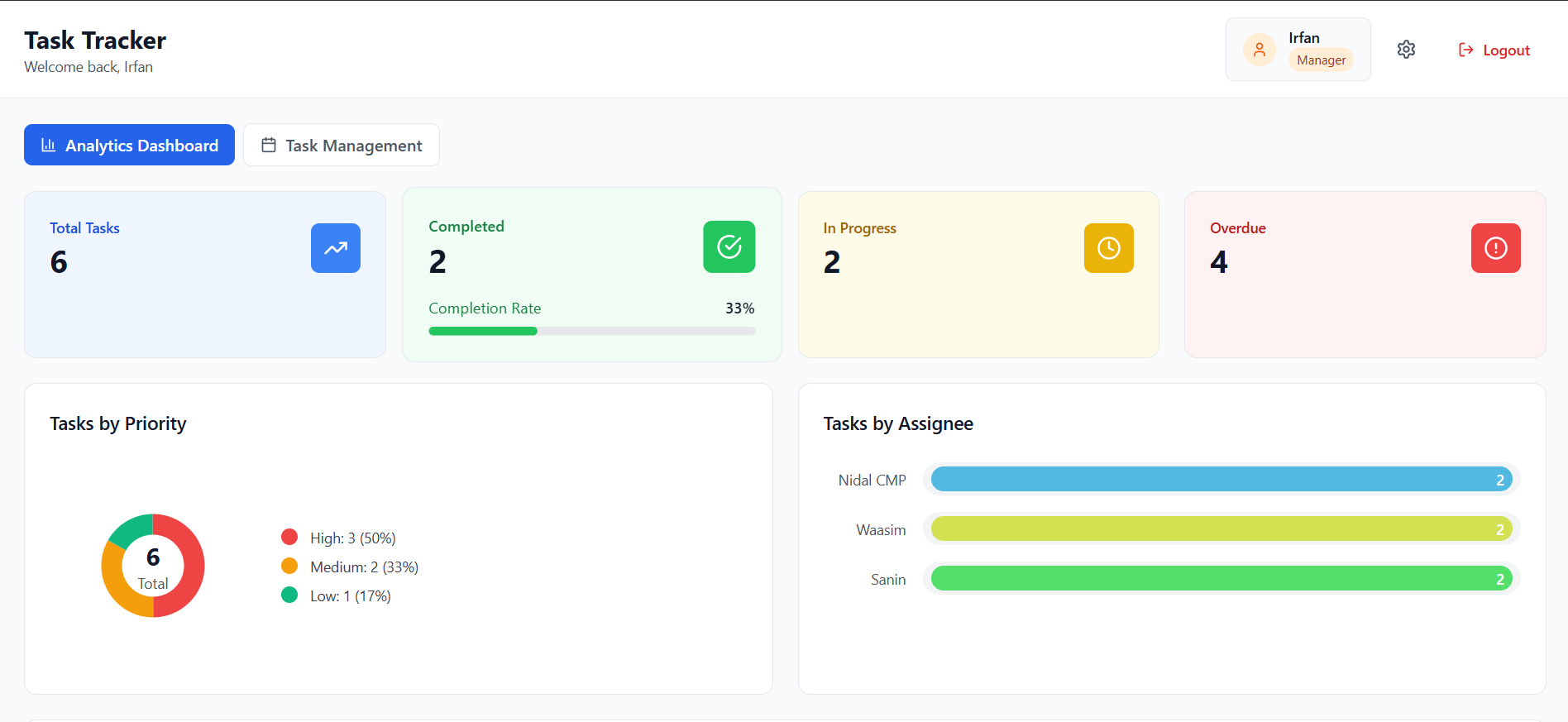 |
Follow these steps to run TaskFlow locally:
# 1️⃣ Clone the repository
git clone [https://github.com/nidal-cmp/TaskFlow.git](https://github.com/nidal-cmp/TaskFlow.git)

# 2️⃣ Move into the project folder
cd TaskFlow

# 3️⃣ Install dependencies
npm install

# 4️⃣ Start the development server
npm run dev