
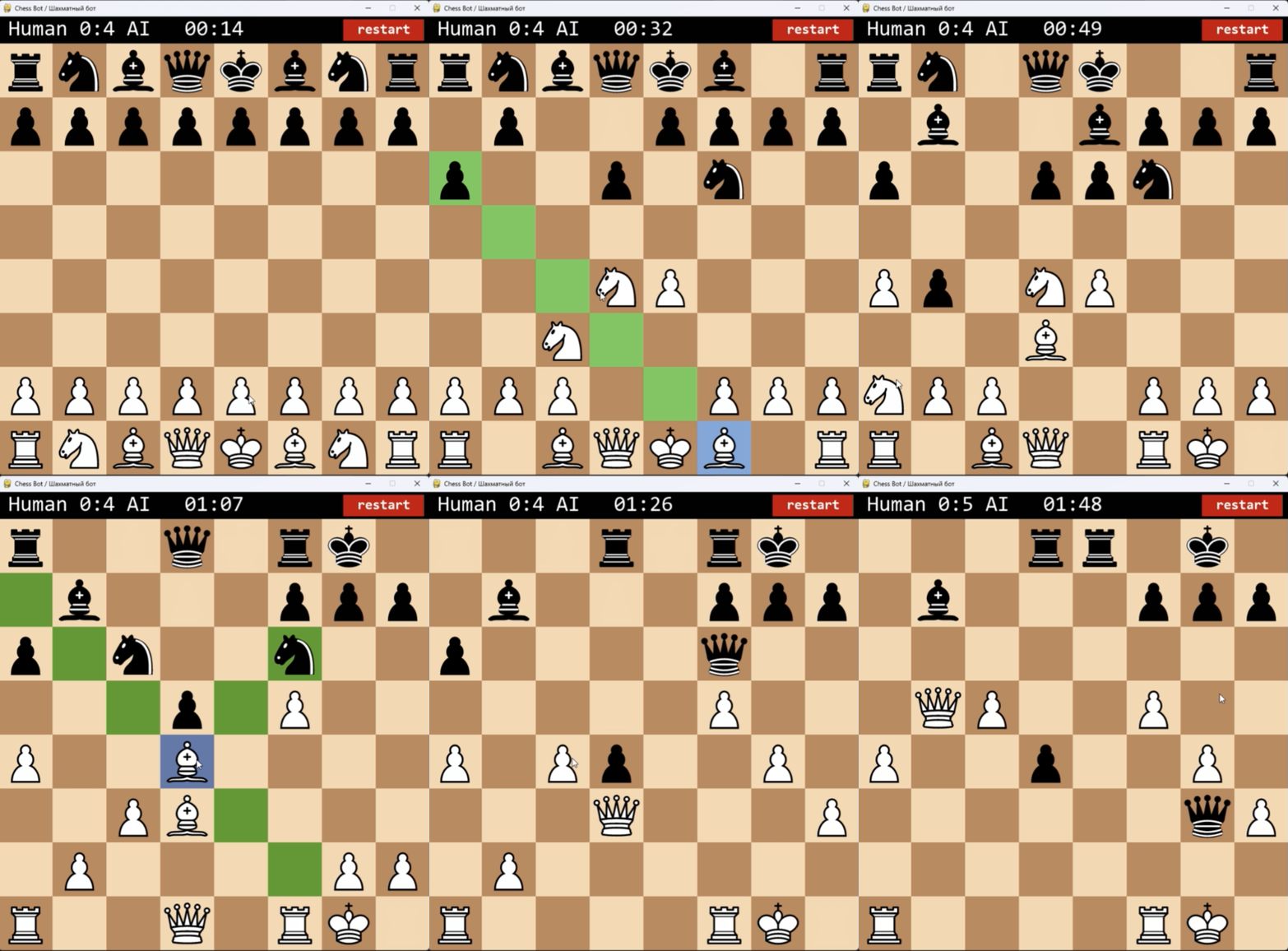




Клонируйте репозиторий к себе на компьютер, откройте как проект в IDE, установите зависимости из requirements.txt в виртуальное окружение. Используйте версию Python 3.12. На более новых версиях могут возникнуть проблемы с совместимостью библиотек.
- Запустите
interface.pyи сделайте первый ход. Бот загрузится сам и будет отвечать на ваши ходы. - Окончание игры происходит по правилам шахмат ФИДЕ, возможен мат или пат. Если мат поставите вы - бот проанализирует ваши ходы и в следующий раз будет играть лучше.
- Начать партию заново можно кнопкой restart.
- Вы можете закрыть приложение в любое время, но тогда текущая партия не сохранится.
- Счёт побед/поражений нужен лишь для вашего удобства и ни на что не влияет.
- Запуск файла
engine.pyзапустит процесс переобучения бота с нуля на основеgame_dataset.csv. Ваш прогресс "личного обучения" будет сброшен.
- Вы также можете заменить файл
game_dataset.csvна другой и обучить бота на нём при соблюдении нескольких условий:- Формат файла
.csv - Разделители
; - Есть столбец
moves, в котором представлена одна шахматная партия, записанная в алгебраической нотации
- Формат файла
НЕ СЛЕДУЕТ самостоятельно запускать файл engine.py, если вы не планируете менять датасет или заново обучать бота.
Hybrid_ML_chess_bot/
├── IMG/                  # PNG фигур, подгружаются при каждом запуске
├── .gitignore            # Тех. файл Git
├── README.md             # Тех. файл Git
├── engine.py             # Нейросеть и её методы. Самостоятельный запуск = перезапись весов модели.
├── example.gif           # Пример игры со страницы GitHUB
├── games_dataset.csv     # Датасет для обучения
├── interface.py          # Основной файл, интерфейс сам подключает нейросеть и нужные файлы
├── requirements.txt      # Список необходимых библиотек
├── score.txt             # Счёт игрок против машины
└── weights.pt            # Веса модели
┌────────────┐   ┌────────────┐   ┌────────────┐   ┌────────────┐
│    Вход    │   │  Conv 3×3  │   │  Conv 3×3  │   │  Conv 3×3  │
│  12 слоёв  │──▶│   12→64    │──▶│   64→64   │──▶│   64→64    │
│   12×8×8   │   │    ReLU    │   │    ReLU    │   │    ReLU    │
└────────────┘   └────────────┘   └────────────┘   └────────────┘
                                                          │
       ┌──────────────────────────────────────────────────┘
       │
       ▼
┌────────────┐   ┌────────────┐   ┌────────────┐   ┌────────────┐
│  Flatten   │   │   Linear   │   │   Linear   │   │   Выход    │
│   64×8×8   │──▶│  4096→512  │──▶│  512→4096 │──▶│   логиты   │
│   → 4096   │   │    ReLU    │   │            │   │ 4096 ходов │
└────────────┘   └────────────┘   └────────────┘   └────────────┘
| Что | Как кодируется |
|---|---|
| Позиция | Тензор 12x8x8: 6 типов своих фигур + 6 типов чужих, доска 8x8 |
| Чёрные | Доска зеркалится по вертикали, "свои" и "чужие" меняются местами |
| Ход | Число from * 64 + to (0…4095), превращение пешки только в ферзя |
| Легальность | Маска легальных ходов из python-chess: в обучении нелегальным ходам ставится −∞ |
Для каждого легального хода:
Оценка хода = ln(вероятность хода по мнению сети) + (значимость материала) * (изменение материала после лучшего ответа соперника)
Clone the repository to your computer, open it as a project in your IDE, and install the dependencies from requirements.txt into a virtual environment. Use Python 3.12. Newer versions may cause library compatibility issues.
- Just run
interface.pyand make your first move. The bot will load automatically and respond to your moves. - The game ends according to FIDE chess rules; checkmate or stalemate is possible. If you deliver checkmate, the bot will analyze your moves and play better next time.
- You can start a new game with the restart button.
- You can close the application at any time, but the current game will not be saved.
- The win/loss score is only for your convenience and does not affect anything.
- Running
engine.pywill start the process of retraining the bot from scratch based ongame_dataset.csv. Your "personal training" progress will be reset.
- You can also replace
game_dataset.csvwith another file and train the bot on it, provided the following conditions are met:- File format
.csv - Delimiter
; - A
movescolumn containing one chess game written in algebraic notation
- File format
DO NOT run engine.py on your own unless you plan to change the dataset or retrain the bot.
Hybrid_ML_chess_bot/
├── IMG/                  # PNG piece images, loaded on every launch
├── .gitignore            # Git technical file
├── README.md             # Git technical file
├── engine.py             # Neural network and its methods. Running it standalone = overwriting the model weights.
├── example.gif           # Example game from the GitHub page
├── games_dataset.csv     # Training dataset
├── interface.py          # Main file; the interface connects the neural network and required files itself
├── requirements.txt      # List of required libraries
├── score.txt             # Player vs. machine score
└── weights.pt            # Model weights
┌────────────┐   ┌────────────┐   ┌────────────┐   ┌────────────┐
│    Input   │   │  Conv 3×3  │   │  Conv 3×3  │   │  Conv 3×3  │
│  12 planes │──▶│   12→64    │──▶│   64→64    │──▶│   64→64    │
│   12×8×8   │   │    ReLU    │   │    ReLU    │   │    ReLU    │
└────────────┘   └────────────┘   └────────────┘   └────────────┘
                                                          │
       ┌──────────────────────────────────────────────────┘
       │
       ▼
┌────────────┐   ┌────────────┐   ┌────────────┐   ┌────────────┐
│  Flatten   │   │   Linear   │   │   Linear   │   │   Output   │
│   64×8×8   │──▶│  4096→512  │──▶│  512→4096  │──▶│   logits   │
│   → 4096   │   │    ReLU    │   │            │   │ 4096 moves │
└────────────┘   └────────────┘   └────────────┘   └────────────┘
| What | How it is encoded |
|---|---|
| Position | 12x8x8 tensor: 6 of your piece types + 6 of the opponent's, 8x8 board |
| Black | The board is mirrored vertically, "own" and "opponent" pieces are swapped |
| Move | Number from * 64 + to (0…4095), pawn promotion to queen only |
| Legality | Legal move mask from python-chess: during training, illegal moves are set to −∞ |
For each legal move:
Move score = ln(probability of the move according to the network) + (material significance) * (change in material after the opponent's best reply)