

(An alternative icon designed by [@WillStark](https://github.com/WillStark) )
Instant audio feedback for typing. For macOS.
A demo for learning Rust.
- Linux: Tickeys-linux
- Windows: Download
- brew cask
brew cask install tickeys && open /Applications/Tickeys.app- or download the dmg
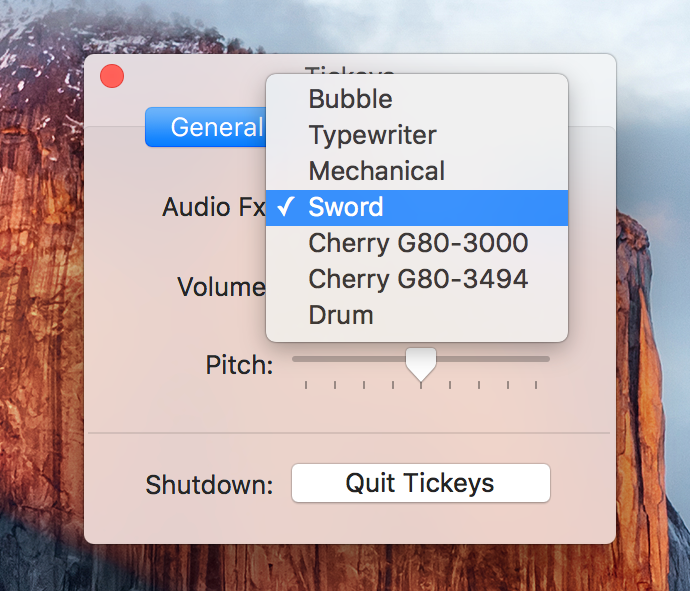
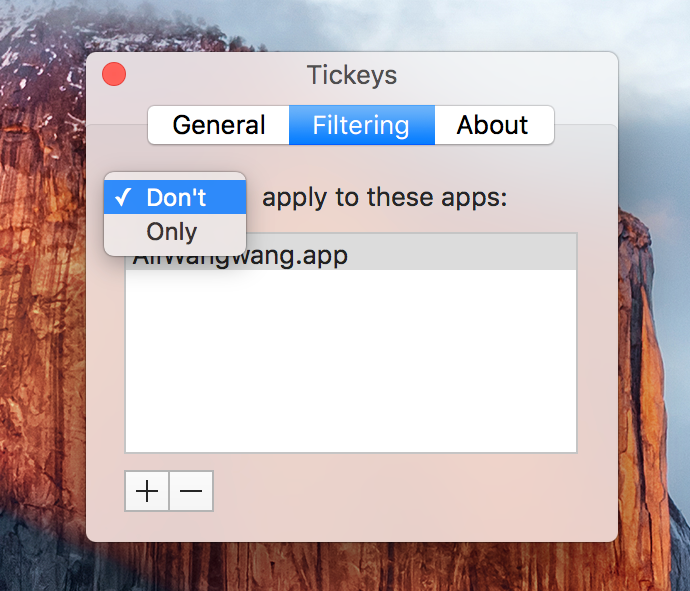
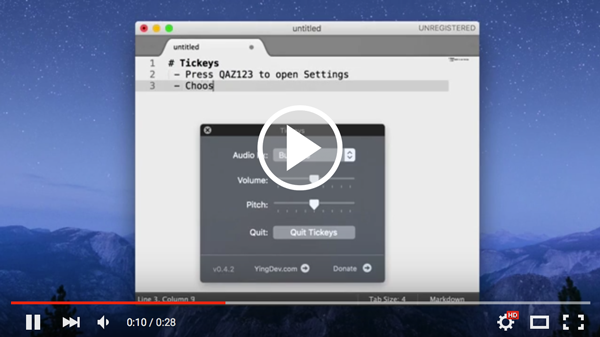
-
locate the
datadirectory in Finder:Tickeys.app/Content/Resources/data/ -
copy & paste an effect directory and rename the copy, eg.
drum->myDrum -
open
schemes.jsonand edit it by copy & paste the corresponding scheme entry; change thenameanddisplay_nameas needed. eg:,{ "name": "myDrum", "display_name": "My Drum", "files": ["1.wav", "2.wav", "3.wav", "4.wav", "space.wav", "backspace.wav", "enter.wav"], "non_unique_count": 4, "key_audio_map":{"36": 6, "49": 4, "51": 5} },- note:
- "name": value must be the same as your directory name
- "files": sound file list
- "non_unique_count": first N items in
filesare auto mapped to keys - "key_audio_map": mappings of keyCode to sound index in "files". eg. 36 ==
enter
- note:
-
add/replace your
.wavfiles; update & save the json file -
re-launch Tickeys. ("qaz123")
- alut
- openssl
brew install freealut openssl- MIT